Posts Tagged ‘Kelby Training’

New Years 2011

Friday, December 31st, 2010

Happy New Year’s Eve! Wow… I cannot believe another year has come and gone. Wasn’t it just 2010? Or better yet, 2000? What will I accomplish in another year?

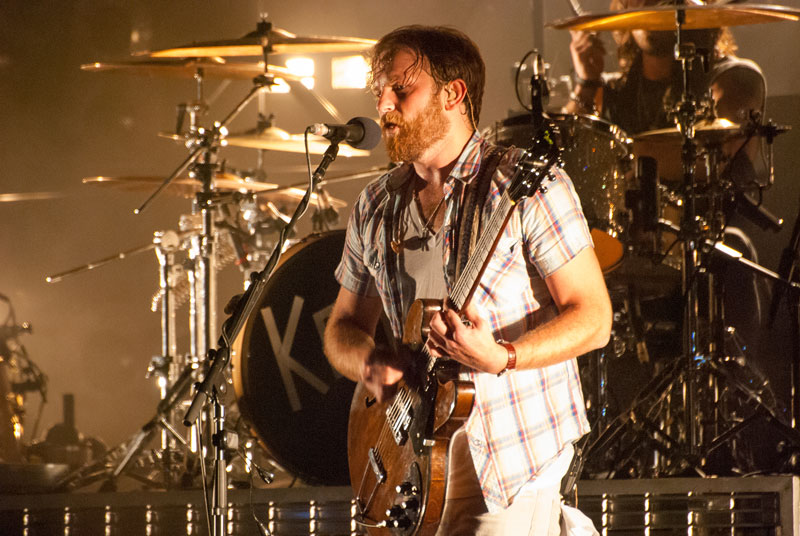
I spent half of 2010 in China. I traveled to Cabo San Lucas, California and Arizona. I photographed Kings of Leon, John Mayer, Keith Urban and Jack Johnson, all at the Gorge. I bought a new camera. I rekindled old friendships, discovered a love of DIY and carried out elaborate photo shoots like this, this and this! How can I top that!?

2011 is a goal setting year. With hard work and lots of studying, I hope to kick off my career. Here’s a few aspirations for the upcoming year:

Finish One Book Draft- I have a few book drafts in the works. One is a photo book (hardcover, big pictures) from travels abroad. The other is a fiction novel. I like to write, so why not aim to be published? In 2011 I hope to finish at least one book draft. My novel has a lot of chapters, so I need to dissect that goal into objectives, tasks, etc.

Improve Design Skills- In China I worked for an advertising and design firm. My design skills began to grow, as did my imagination. My dad subscribes to an amazing site called Kelby Training. It has video tutorials on everything from the Adobe Creative Suite, to photography and videography. I want to improve my drawing skills in Illustrator, create clean page layouts and familiarize myself with Dreamweaver. I’ve got the tools to achieve this goal. To do so, I’m setting aside a few hours every Sunday to study. Follow my progress in 2011!

Photo Shoots-It’s amazing how much my photography progressed in 2010. In China I found my love of photos and fashion. I saw inspiration everywhere. Fast forward a few months. I’m part of an amazing team [Teresa, Brittanie, Annie, Doug] and we balance each other well. Our ideas are already flowing into the new year. I would like to do photos for a fashion magazine in 2011. Hopefully the new year brings business connections into my life.

Stop Stressing- I’m a busy woman. I’m a working woman. I’m a traveling woman. The combination results in occasional stress. In 2011 I vow to chill out. If I’m working, and doing what I love, I’m always going to be busy. Will I ever actually be caught up on work? As long as I have ideas, no. Time management, prioritization and a clutter-free work zone will help me reduce stress in 2011.

Move- I’m a 20-something creative. I went from a city of 20 million to 200,000. I need to get the hell out. Like now. I’ve been working, freelancing and saving money for a move. In China I felt alive. I made priceless friendships and business connections. I love the city and belong in an urban area. I enjoy meeting people, networking and covering events. Tri-Cities is not the place for this. A city like Seattle, Portland, LA, Dallas or NYC is the place for this. I kicked down doors in 2010. I realized I can live anywhere. 2011 will be a big move, so stay tuned.

2010 brought big changes. I can only imagine what 2011 will bring. I hope everyone has a very happy new year. Stay safe and please don’t drink and drive!

What are your goals for the new year? What are you doing to achieve them?

♥ BB

Matt Kloskowski’s Photoshop Seminar for Kelby Training

Thursday, November 18th, 2010

Today I attended Kelby Training‘s Photographers Seminar instructed by Photoshop professional Matt Kloskowski.

We covered Scott Kelby’s 7-Point System for Adobe CS5, working in RAW, portrait retouching, double processing, HDR, panoramas and PDF workflow for print.

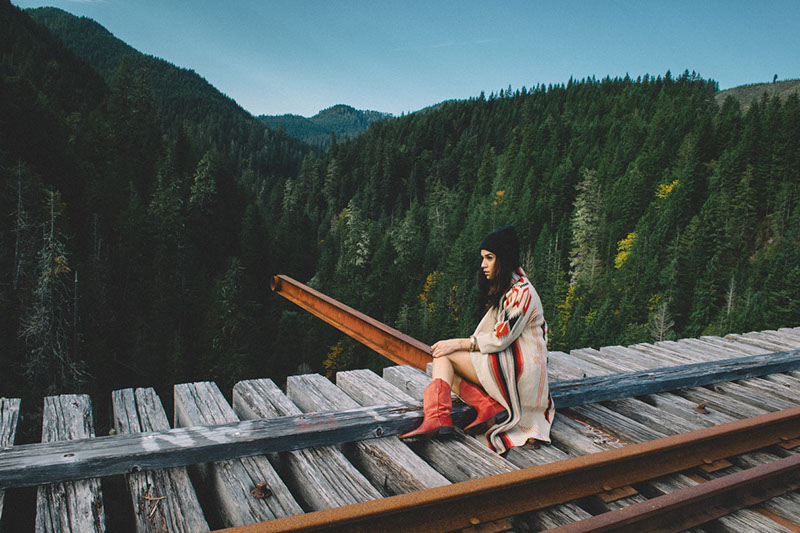
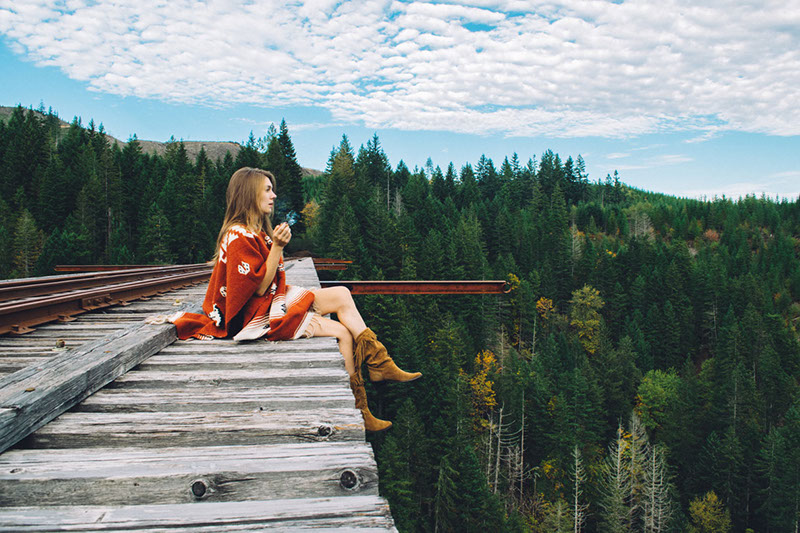
The first two photos in this gallery are of the always amazing Annie Bixler. The first photo I applied the 7-Point System to make minor tweaks to the lighting. The second photo I used for portrait retouching. Annie is naturally gorgeous, but her picture worked well for the tutorial. I applied a Gaussian blur layer mask, liquified (enlarged) Annie’s eyes, sharpened her hair and erased any minor blemishes. I’m happy with the overall result, but in the future might apply less blur to her skin. It’s a little over-edited for my liking.

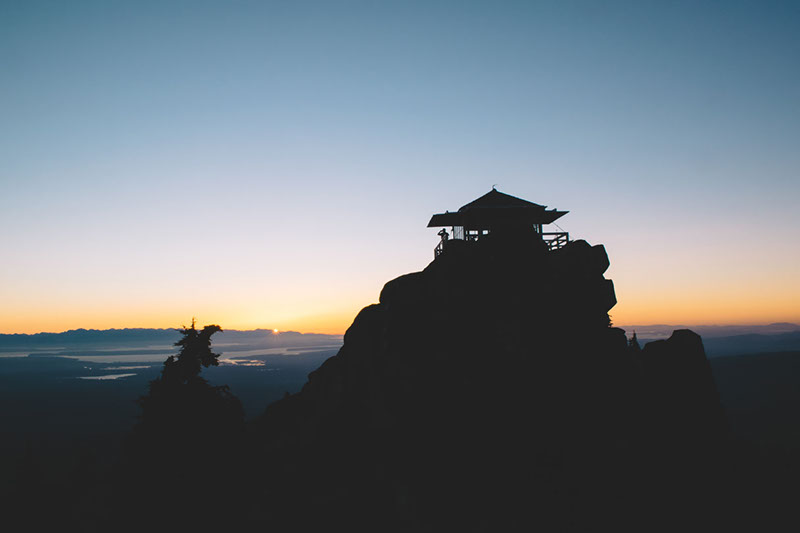
The final photos involve double processing. In other words, you merge smart objects with different exposures to give your photos a more balanced effect. It’s kind of like HDR but without different photos. Double processing works well on landscape pictures, specifically sunsets where the camera has a hard time metering for the light. On the final picture I added Double Processing to my Photomerged Rattlesnake Mountain sunset.

I learned an insane amount of information at Kelby Training’s Photographers Seminar. I learn by doing. Instead of just taking notes like most other students (hello boredom!) I followed along, making changes to my photos with the instructor. This allowed me to view my layers, see my edits and soak up information like a sponge.

I plan to attend future Kelby Training photography, design and web seminars. If I could attend even six of these seminars a year, my skills would improve tenfold. In a world full of designers, you must be the best to stand out. I hope my skills, artistic ability and quest for knowledge can take me there.

♥ BB

Photo of the Day: Day One Hundred Twenty Four

Wednesday, August 4th, 2010

I spy, with my little eye… Tonight my friend Matt and I hiked Bader Mountain to chase sunsets and take HDR pictures.

I spent all day studying Kelby Training‘s online tutorial about HDR photography in hopes of snapping some rad HDR shots. I especially wanted to learn to auto-bracket my Nikon D60. Just my luck, after two hours of tutorials and 20 minutes of searching I read the D60 does not have auto-bracketing. Awesome… That might explain why previous HDR attempts were HDR FAIL.

Deterred nonetheless, I set out to conquer the mountain and take photos. On our way up the mountain Matt and I joked about snakes. Not surprisingly, we came across this bull snake who slithered into the bushes and hissed at us. Luckily I snapped some pictures of the little guy, incase my HDR adventure didn’t work out.

Badger Mountain is a great hike, regardless of age, weight or physical ability. Click here to find more information about Bader Mountain and trails near you.

Even though HDR photos didn’t go as planned, our hike was still a success. Warm weather, clear skies, decent photos, intelligent company and me sweating like a beast. Perfect night.

♥ BB

My Great Makeover

Tuesday, April 20th, 2010

I just finished watching my “Beauty & Portrait Retouching” tutorials. Wow, I can’t believe everything they do to “improve” beauty photos! I’ve talked about this before, but it’s amazing what designers do using Photoshop.

I started with this horrible picture of me at the Great Wall. What better way to work on beauty portraits than with a really ugly photo? The morning we took this photo, I didn’t shower, apply make-up or even bother with my hair. As a result, I looked awful in 99.9% of our pictures. Maybe that’s an exaggeration, but I certainly looked tired. Using everything I learned in this DVD tutorial, I evened my skin tone, removed the bags and brightened my eyes, added eye liner and lashes, smoothed my skin, removed a zit, applied blush, contoured my cheeks, plumped my lips and whitened my teeth.

I know I talked about this in my “Five Minute Makeover” blog, but is it any surprise women have such low esteem? Is it any surprise men have such ridiculous standards? These are the things the media subconsciously tells us: have long lashes, smooth skin, perfect teeth, defined cheek bones, plump lips, etc. This is not normal! I am aware of Photoshop and photo manipulations, but a lot of people (my mom included) have no idea how much editing goes into photos. The photo used in this blog took almost an hour to edit, and it’s just a face shot!

I like a good photo as much as the next person. However, it’s easy to get carried away and hold yourself to impossible standards. Remember that Photoshop Land is a magical place with endless possibilities, but once you leave you’re still the same person. Embrace your chubby cheeks, crooked nose, butt chin or pointy ears. No one is perfect. Plastic surgery doesn’t make you happy with what’s inside and Photoshop is just a computer program. Love your looks and embrace your quirks, because if you don’t, who will?

*Click on my photo to view full size. Can you spot my changes?

♥ BB

Retouching Eyes

Tuesday, April 20th, 2010

I began watching my “Beauty & Portrait Retouching” tutorial from Kelby Training and NAPP. This DVD covers everything from retouching eyes, to changing hair color and adding tattoos. In addition to the lessons, the instructor David Cuerdon gives you his favorite custom brushes and color swatches. Today I studied the art of eye retouching.

Eye retouching is more complicated than I initially thought. I used to retouch eyes by removing the redness automatically in Photoshop. I made selections using the wand tool and kept my work on the same layer. Needless to say, if I made a mistake it was a pain to fix. With this tutorial, David explains in seven lessons how to retouch eyes. He explains the part of the eye, such as the catchlight, iris, eye white, pupil and moon. Each part requires a different trick or technique to achieve the perfect look. Thankfully David also provides his automated steps with descriptions, this way you can retouch with confidence.

I used my dance headshot for this tutorial, since my eyes are clear and the image is high res. I started my retouch with removing any possible redness in the whites of my eye. Then I brightened the overall eye area. Next I slightly darkened my pupils and color boosted my irises. Using the iris ring brush, I added more definition to the edge of my iris. I decided not to adjust my catchlight because of the way the light awkwardly reflects in my eyes. I did however add a slight moon.

The trick to retouching eyes is to create a new layer for each step. Use masks to adjust the opacity and fine tune your brush strokes. Finally, remember to edit both eyes!


♥ BB