Today I attended Kelby Training‘s Photographers Seminar instructed by Photoshop professional Matt Kloskowski.
We covered Scott Kelby’s 7-Point System for Adobe CS5, working in RAW, portrait retouching, double processing, HDR, panoramas and PDF workflow for print.
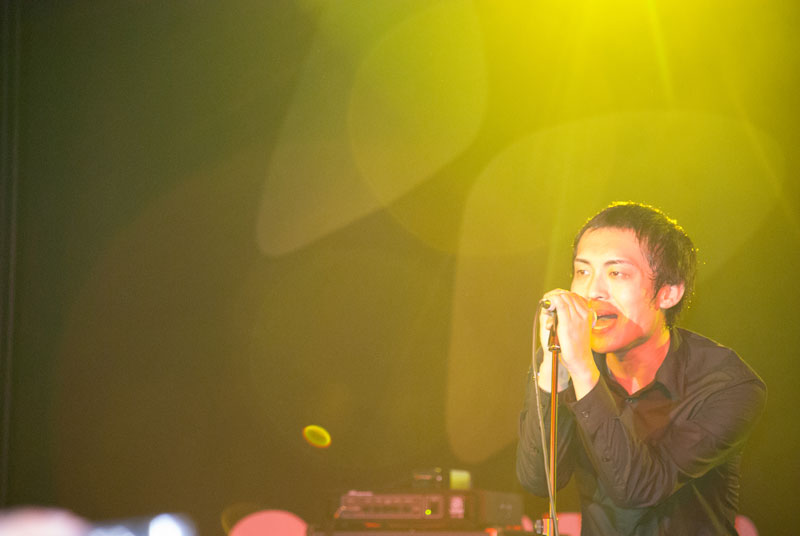
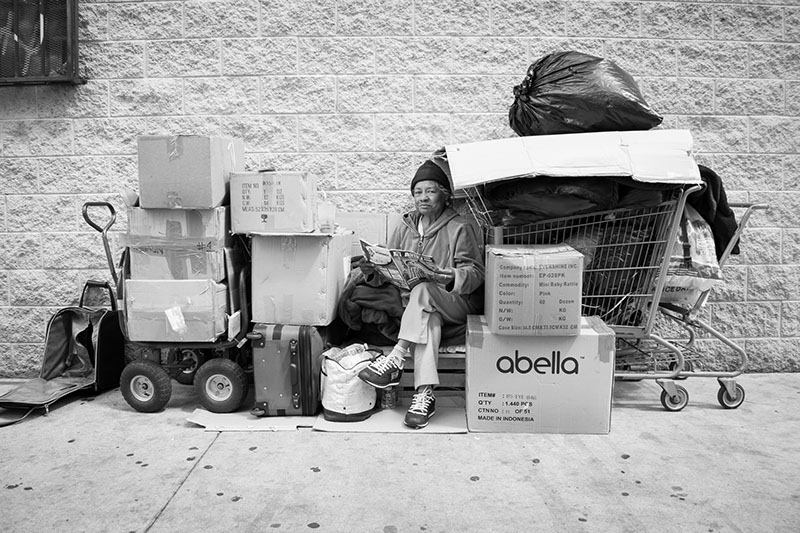
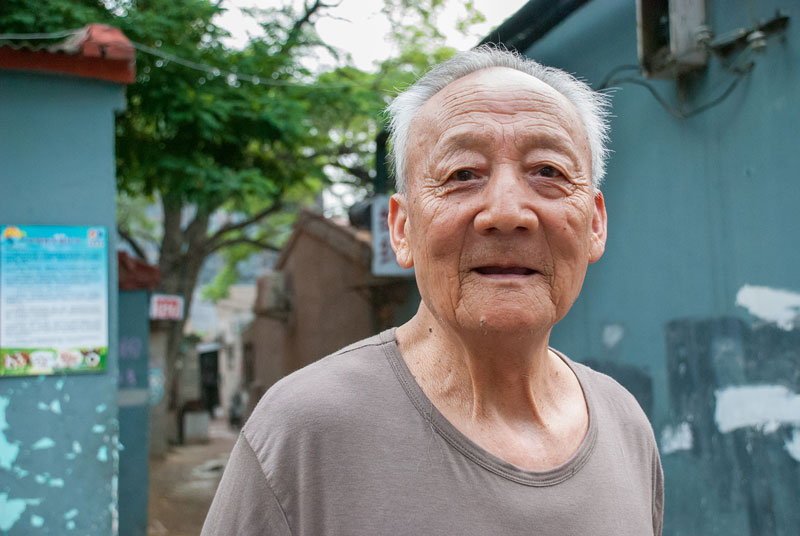
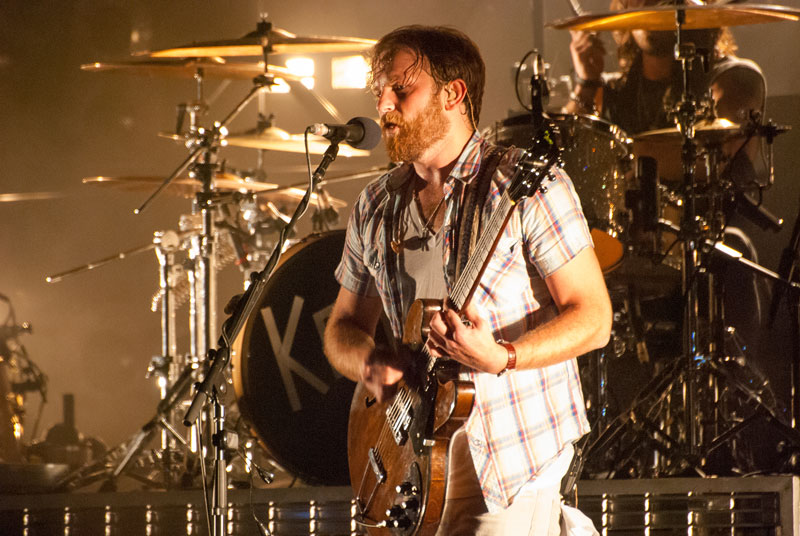
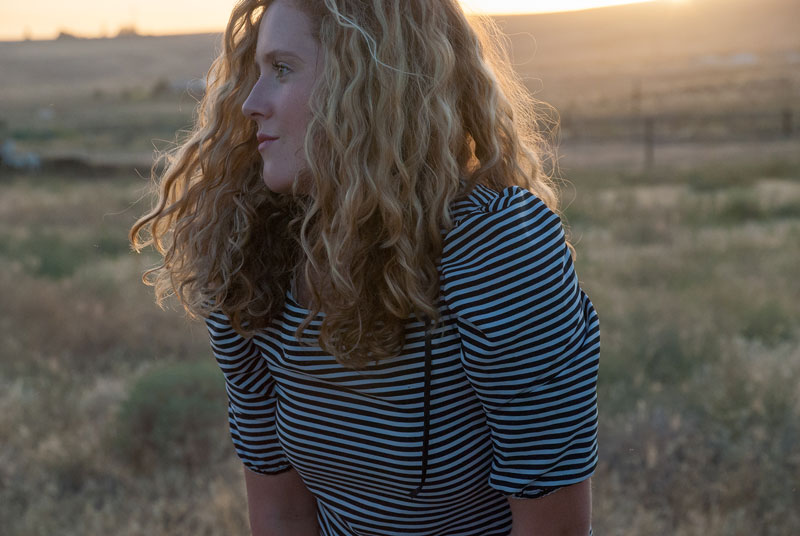
The first two photos in this gallery are of the always amazing Annie Bixler. The first photo I applied the 7-Point System to make minor tweaks to the lighting. The second photo I used for portrait retouching. Annie is naturally gorgeous, but her picture worked well for the tutorial. I applied a Gaussian blur layer mask, liquified (enlarged) Annie’s eyes, sharpened her hair and erased any minor blemishes. I’m happy with the overall result, but in the future might apply less blur to her skin. It’s a little over-edited for my liking.
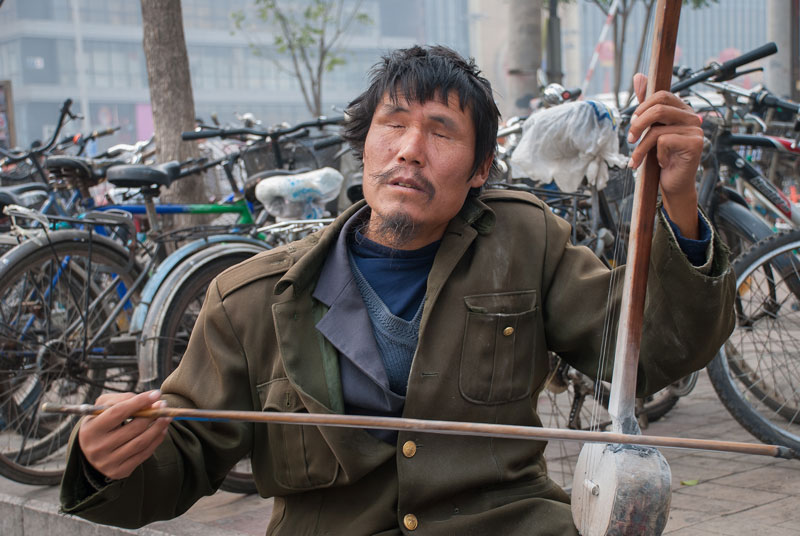
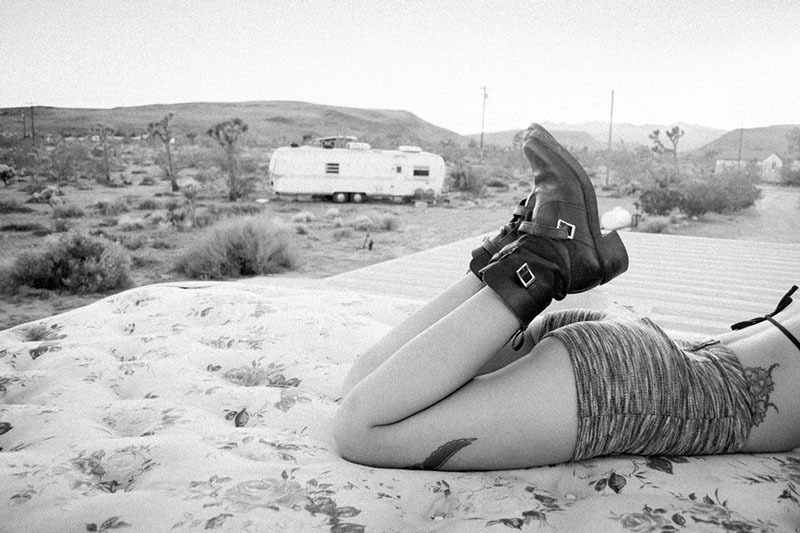
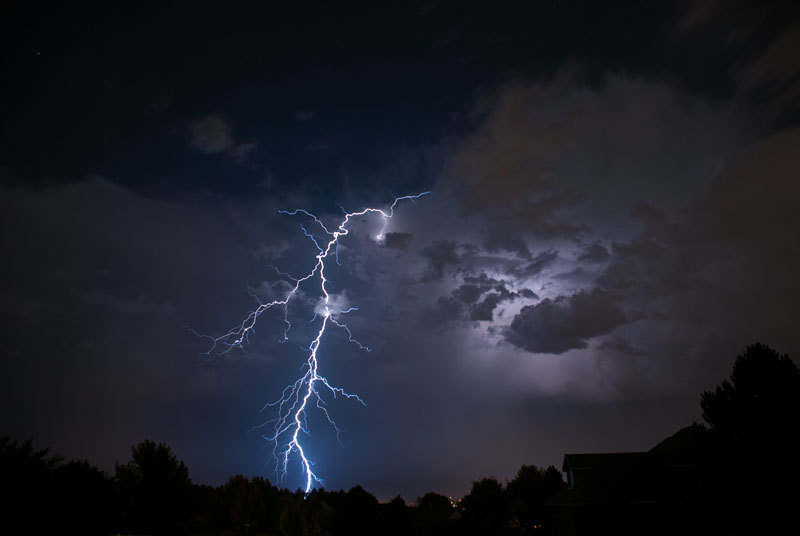
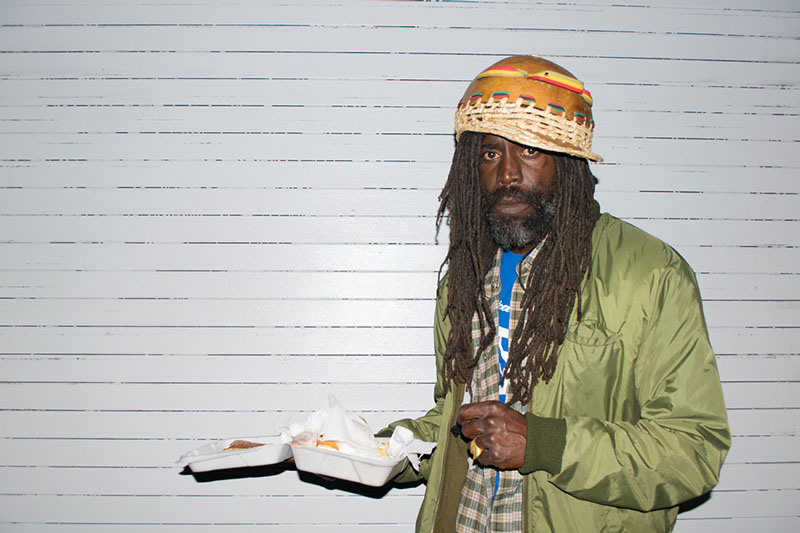
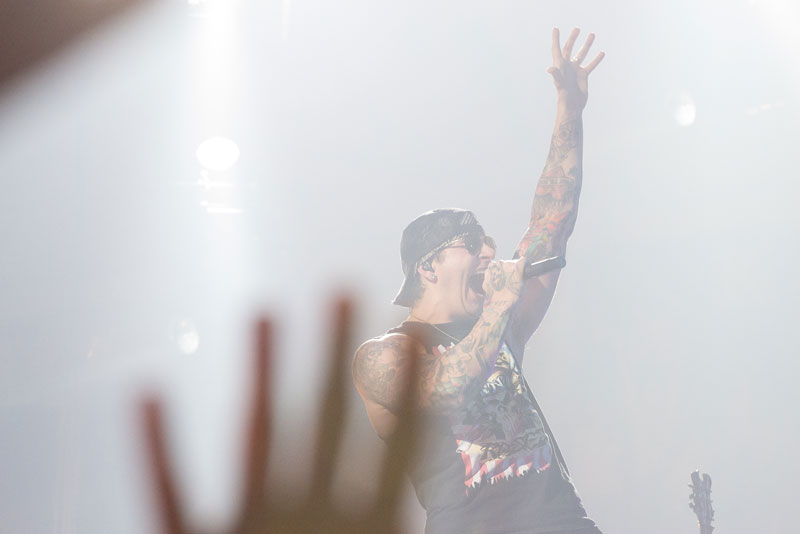
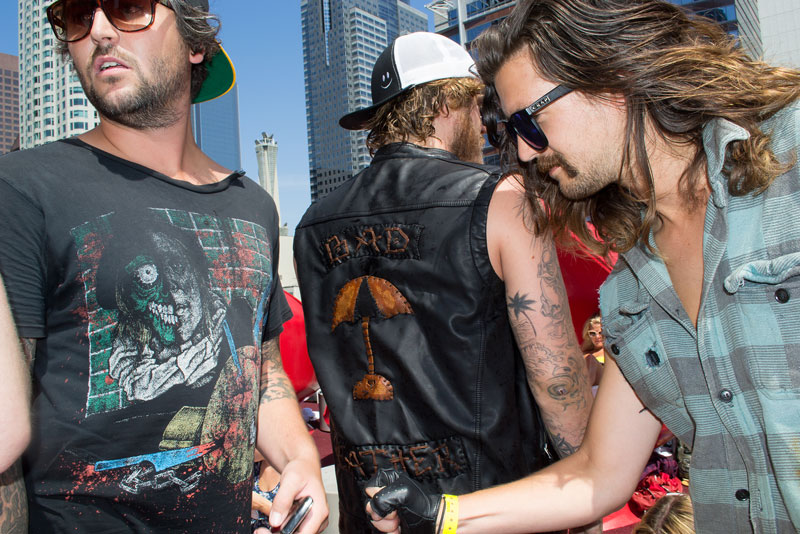
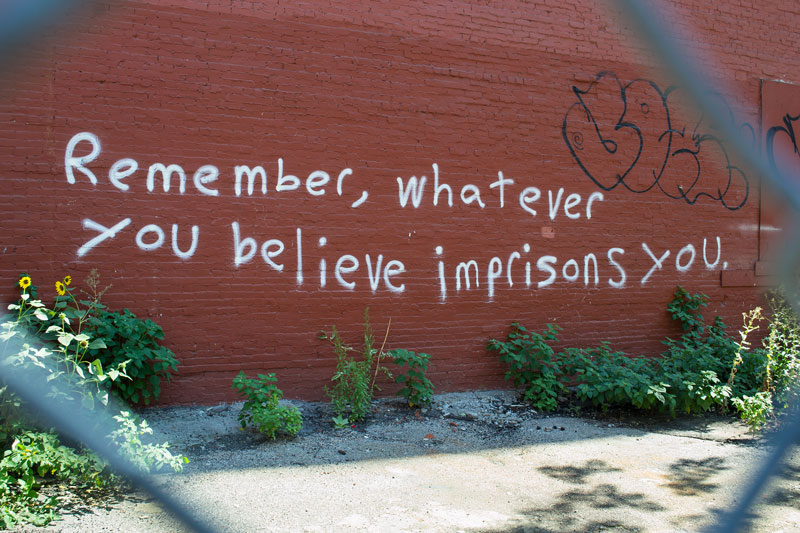
The final photos involve double processing. In other words, you merge smart objects with different exposures to give your photos a more balanced effect. It’s kind of like HDR but without different photos. Double processing works well on landscape pictures, specifically sunsets where the camera has a hard time metering for the light. On the final picture I added Double Processing to my Photomerged Rattlesnake Mountain sunset.
I learned an insane amount of information at Kelby Training’s Photographers Seminar. I learn by doing. Instead of just taking notes like most other students (hello boredom!) I followed along, making changes to my photos with the instructor. This allowed me to view my layers, see my edits and soak up information like a sponge.
I plan to attend future Kelby Training photography, design and web seminars. If I could attend even six of these seminars a year, my skills would improve tenfold. In a world full of designers, you must be the best to stand out. I hope my skills, artistic ability and quest for knowledge can take me there.
♥ BB