Hand Coloring

March 5th, 2010 , Bess

I’ve been burning through these Photoshop User DVD’s. Luckily my dad is sending me more so I can keep the blogs coming. Today I studied hand coloring using Adobe Lightroom.

I’ve used similar techniques in Photoshop editing RAW images. I didn’t know I could do similar edits in Lightroom. I know Lightroom basics, but I’m starting to see a lot of photo editing options. I need to study this program more. I prefer Lightroom because it is a quicker way to make simple edits in your photographs. There is also an option to compare your images before and after the edits. It’s great to make sure I haven’t gone overboard. Another great feature in Lightroom is the adjustment panel on the side of the image. It makes my work faster and easier.

Hand coloring in Lightroom is cake. To apply the selective color technique click on your adjustment brush. Decrease the saturation to -100 and make sure your automask brush is turned off. Then brush your image to erase the color. Holding the alt key while brushing adds color back into the image. In the adjustment brush you can apply other effects such as contrast, exposure, vibrance, etc. This tool is great.

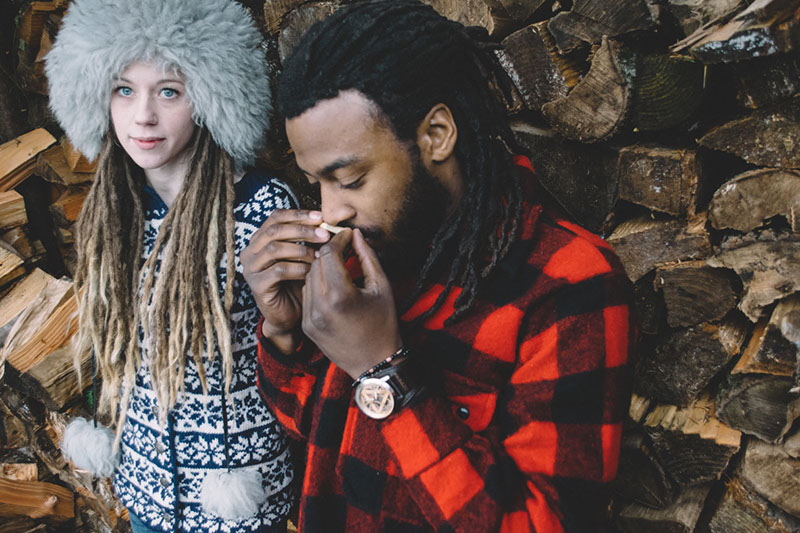
To create this image I did the above mentioned steps. I’ve created images using a similar technique. To change it up a bit I decreased my saturation to -75. This gave my image just a hint of color. On the signs I increased the saturation, contrast and blacks. This technique can be time consuming, especially if you’re OCD like me. I stared at my monitor until my eyes dried out. I probably looked like a zombie. Talk about focused on work!

Hand coloring in Lightroom is a great way to add effect to your images. I still can’t believe how much I’ve learned in the past few weeks. My brain is like a sponge. I now look at my photographs from a different perspective. Last night I stayed up until 5 am applying new edit techniques to my photos. Good thing the weekend is coming up. I plan to get out and take some HDR pictures, which can only mean one thing. More blogs!!

♥ BB

Now Playing: 1-10 Be Somebody

Leave a Reply