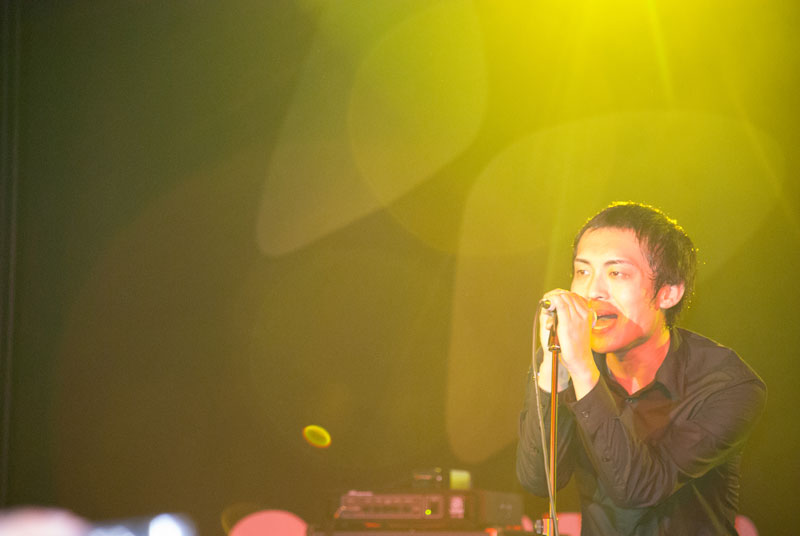
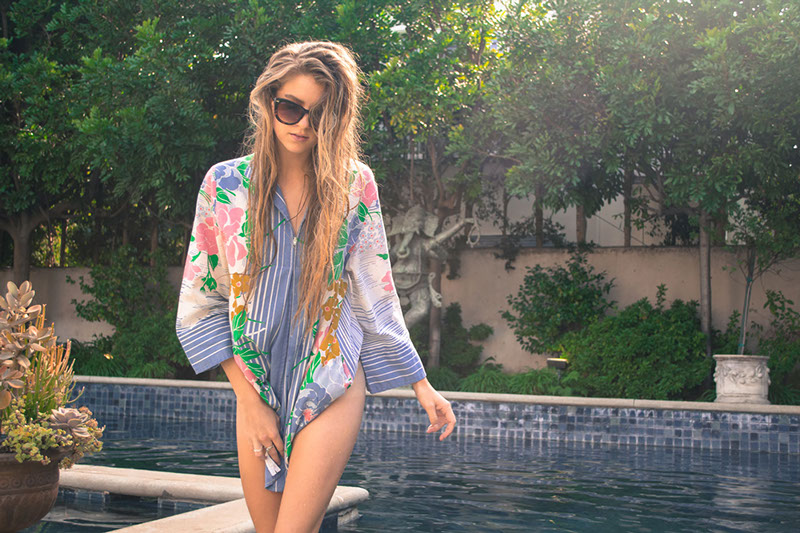
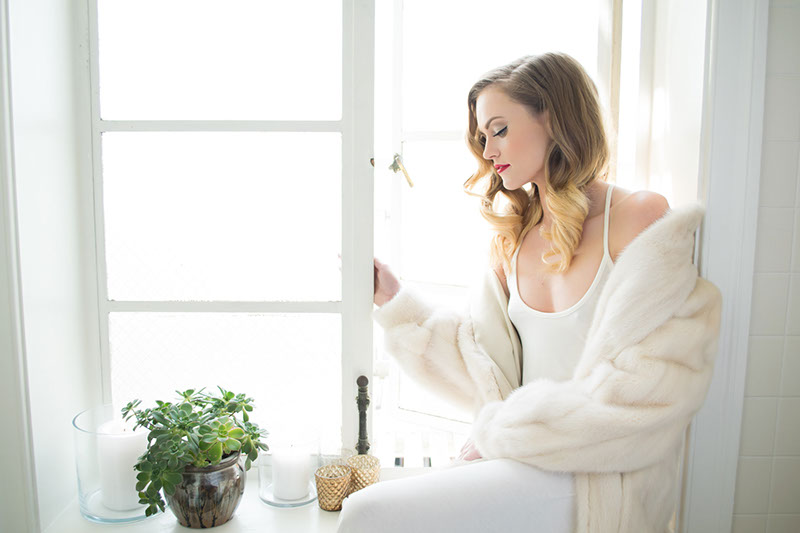
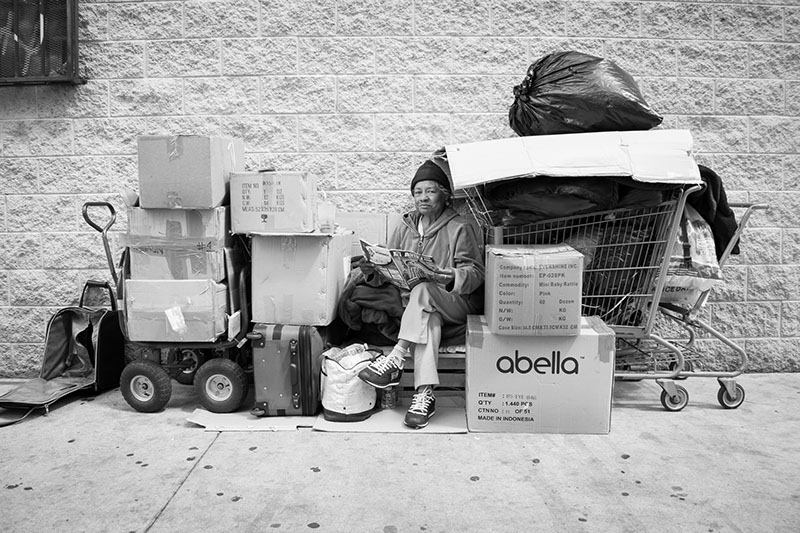
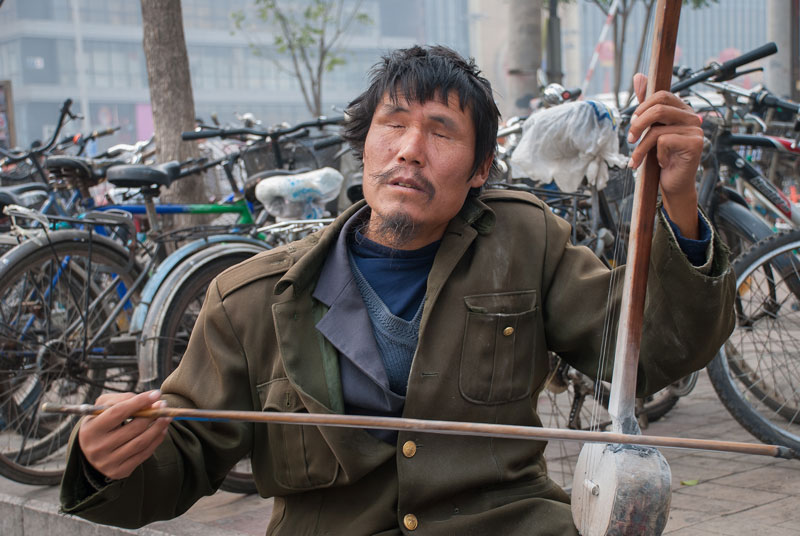
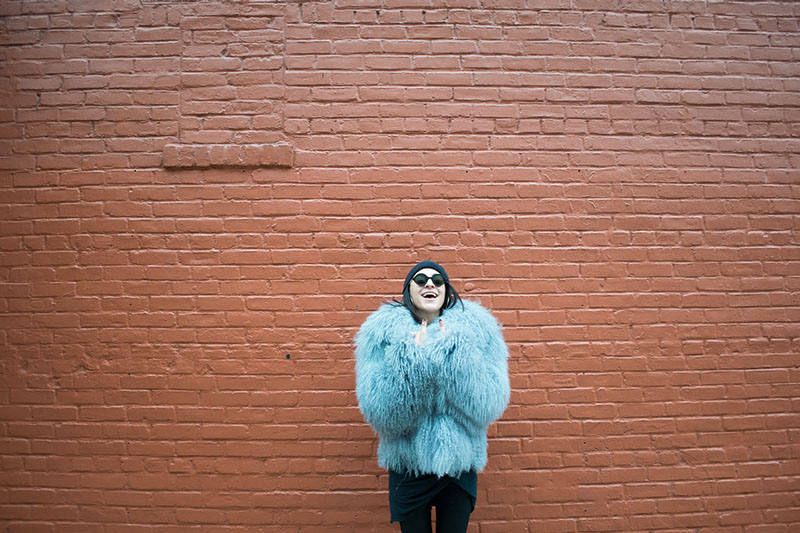
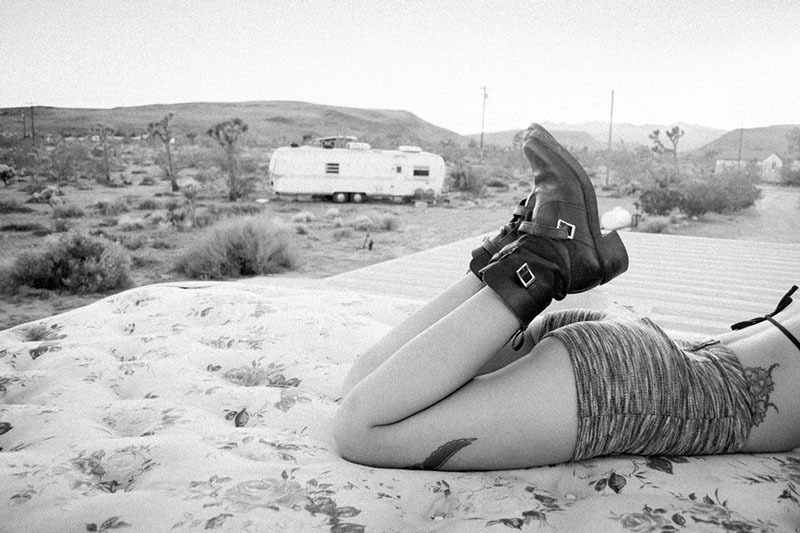
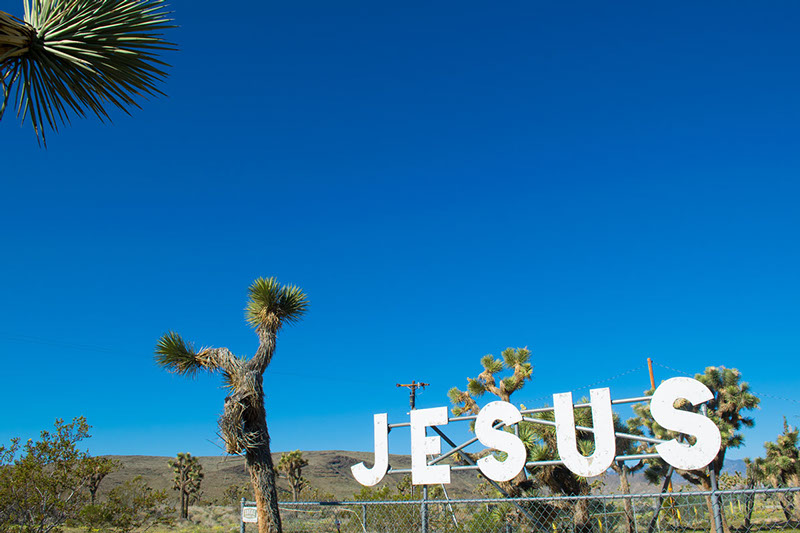
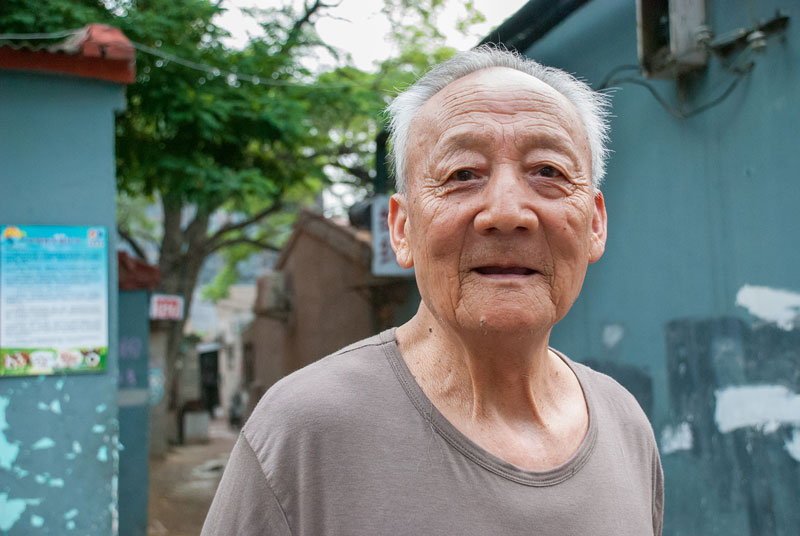
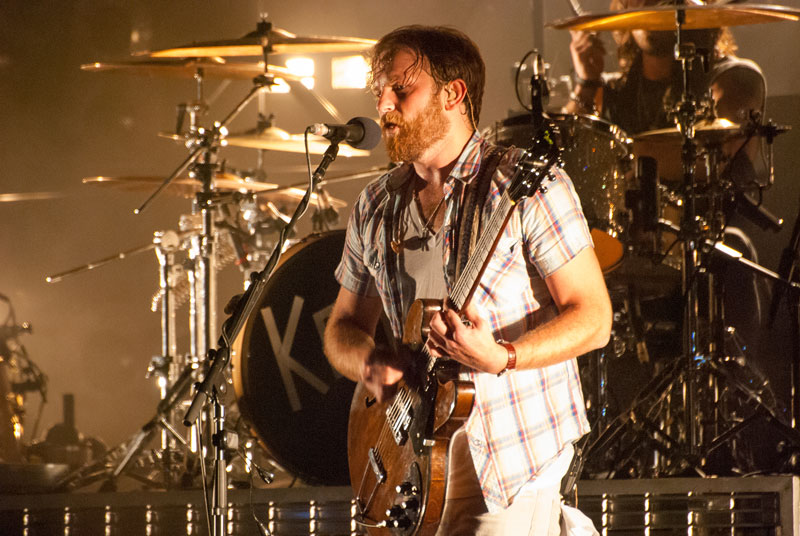
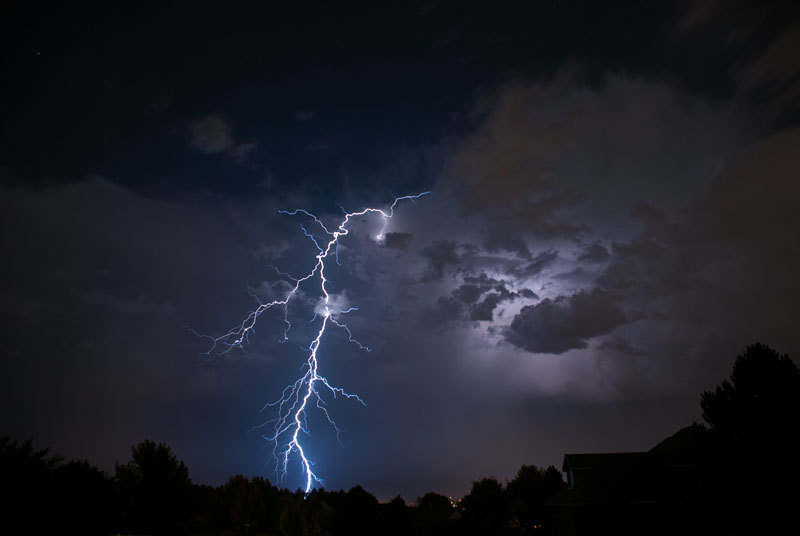
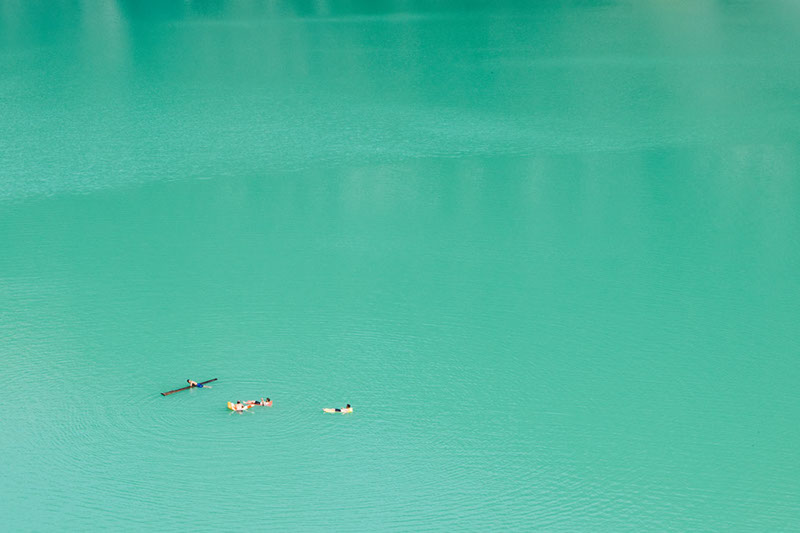
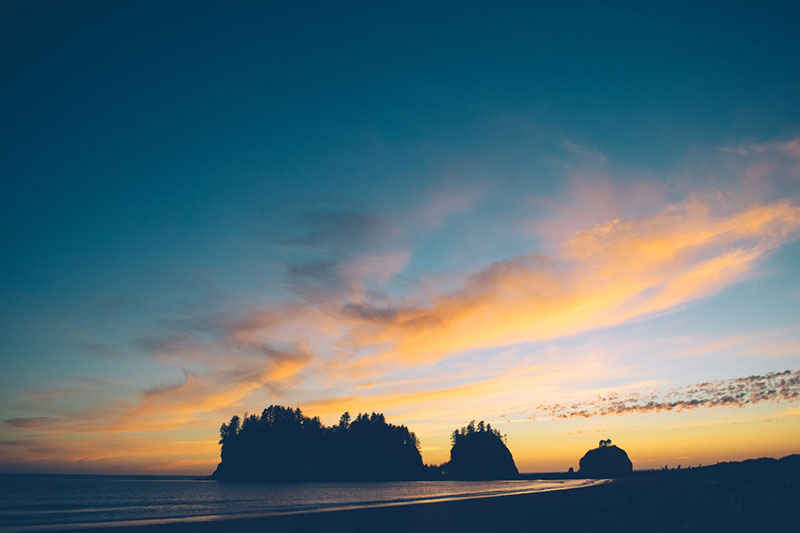
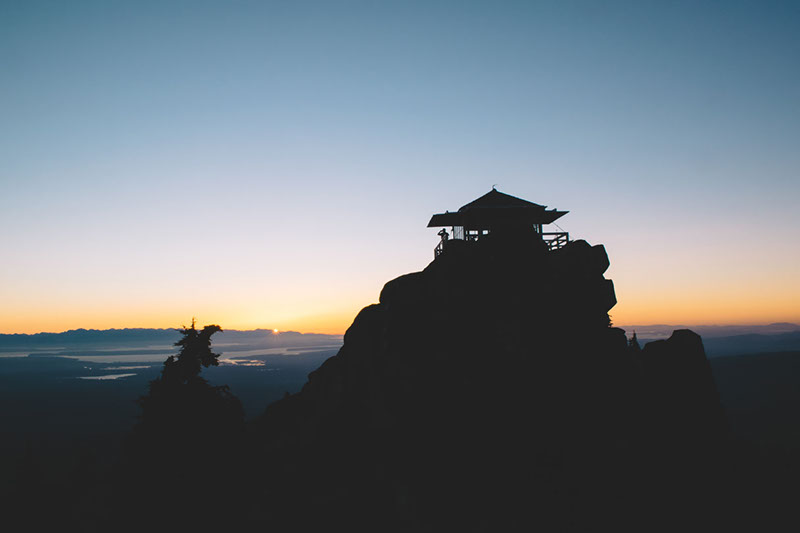
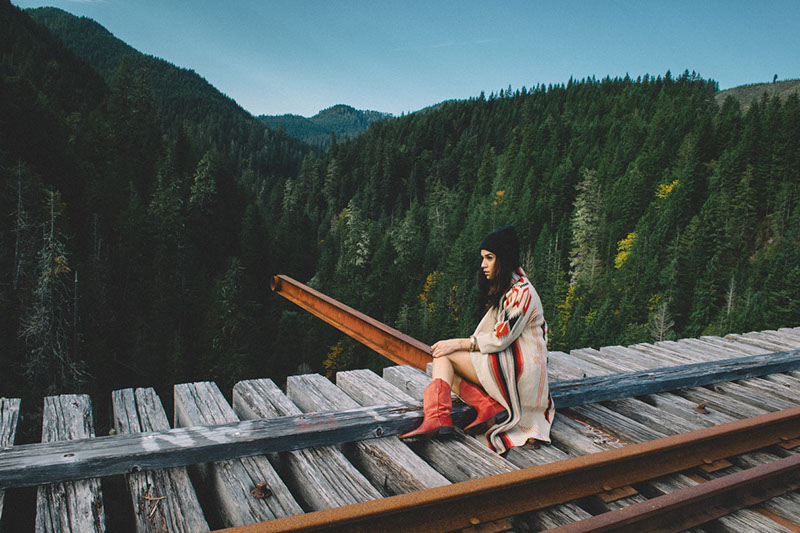
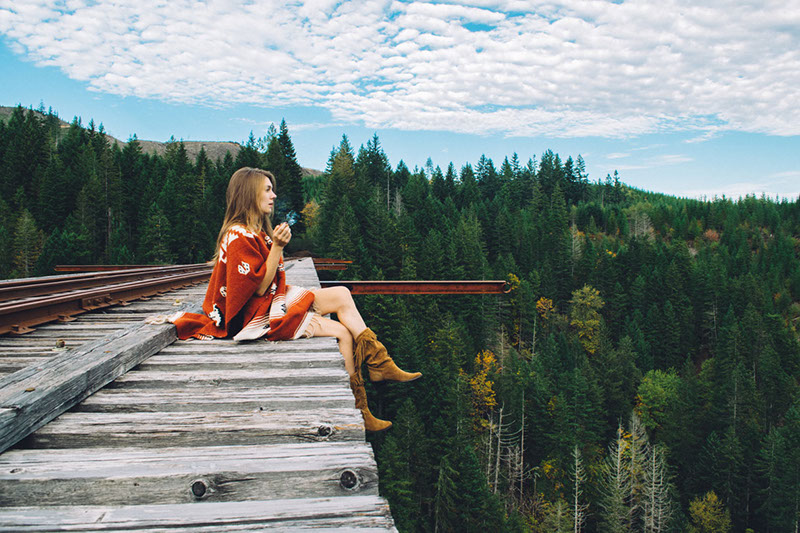
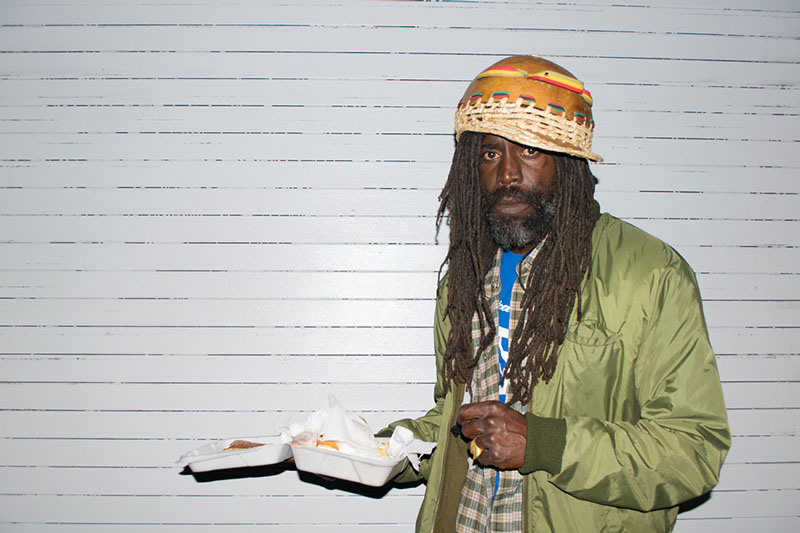
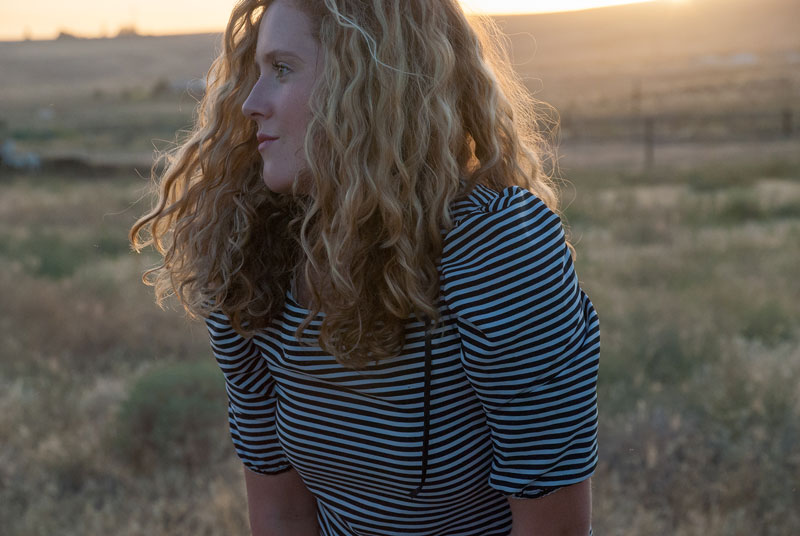
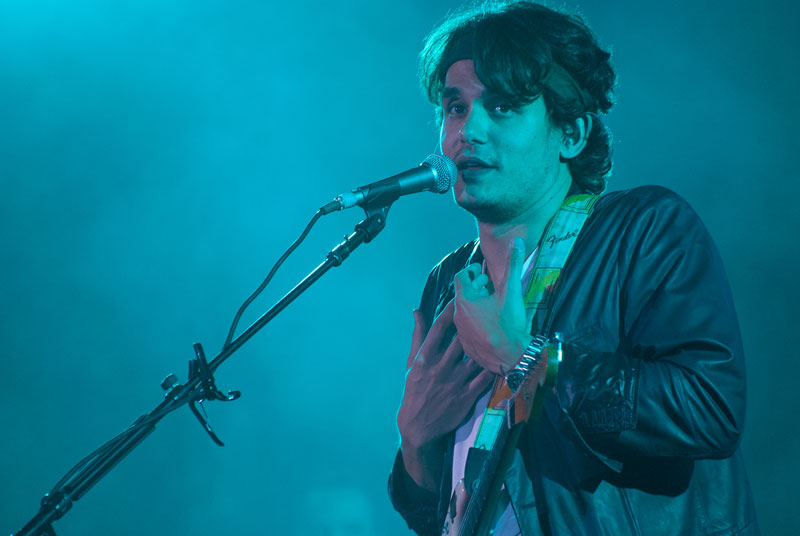
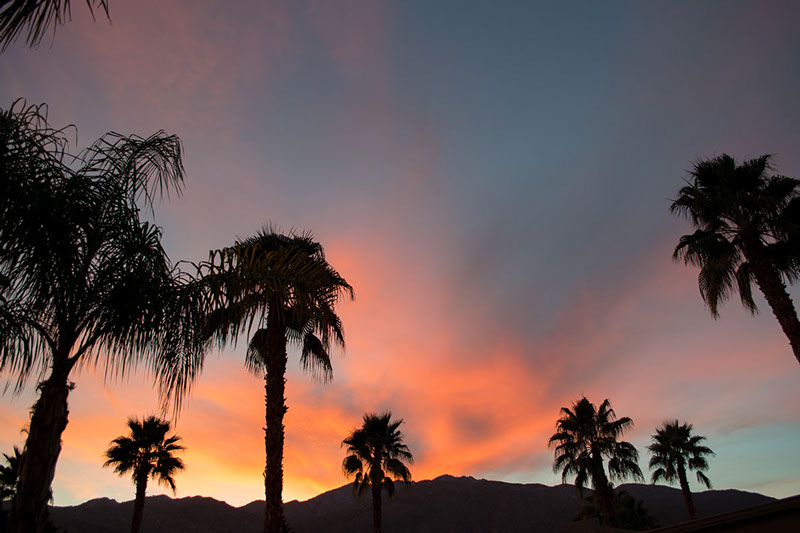
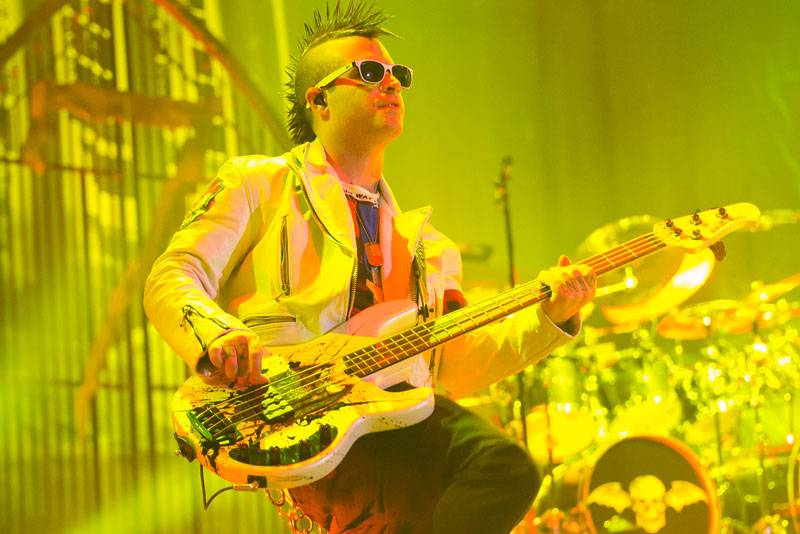
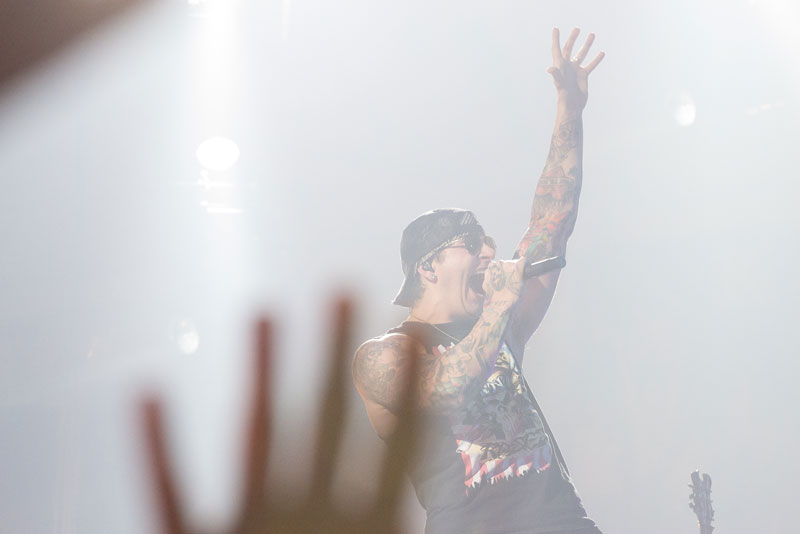
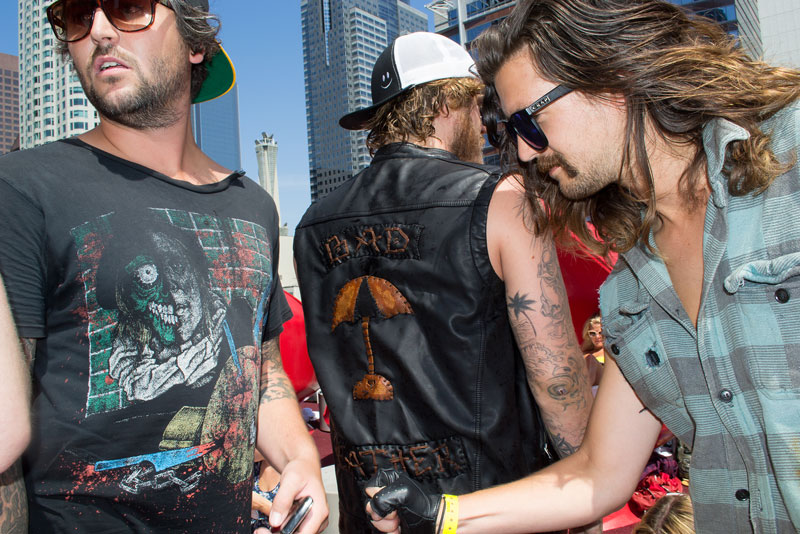
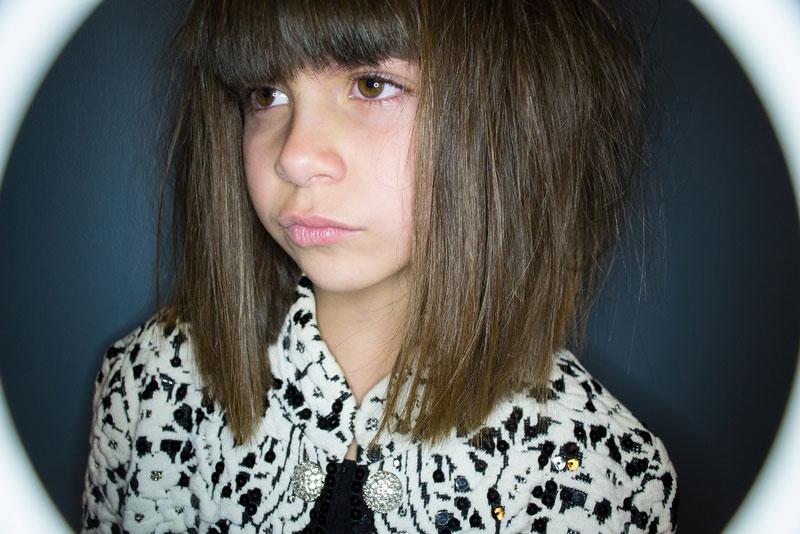
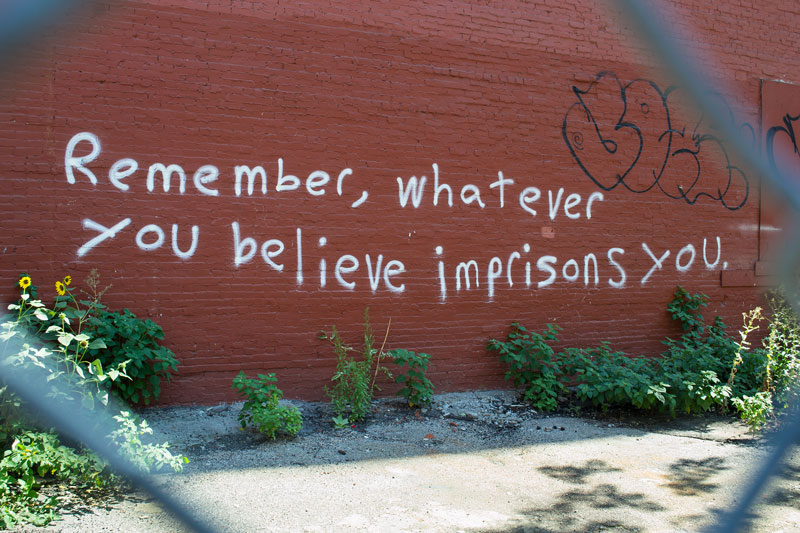
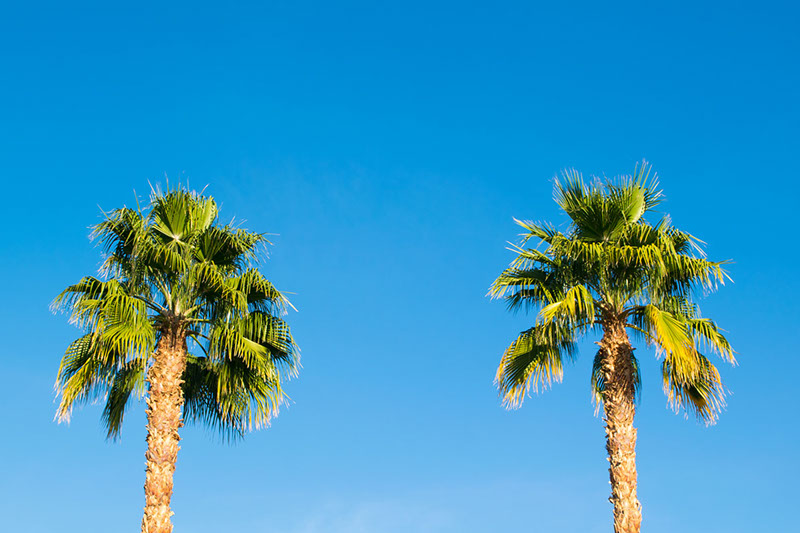
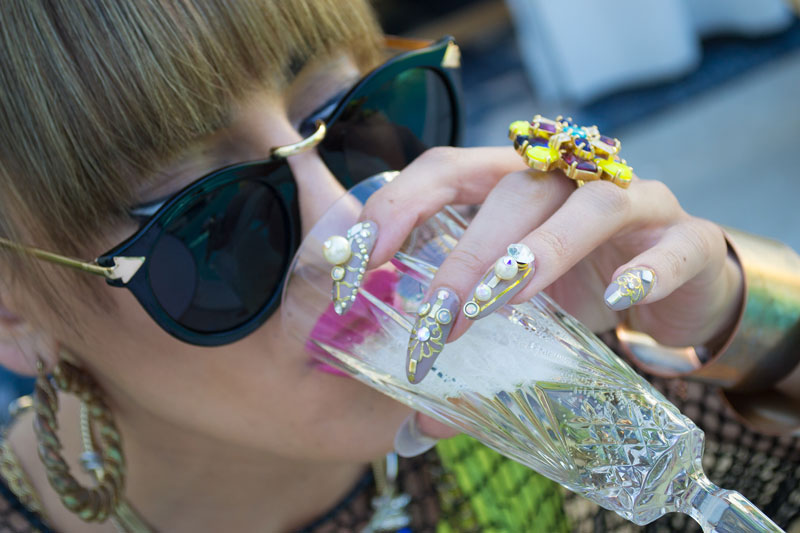
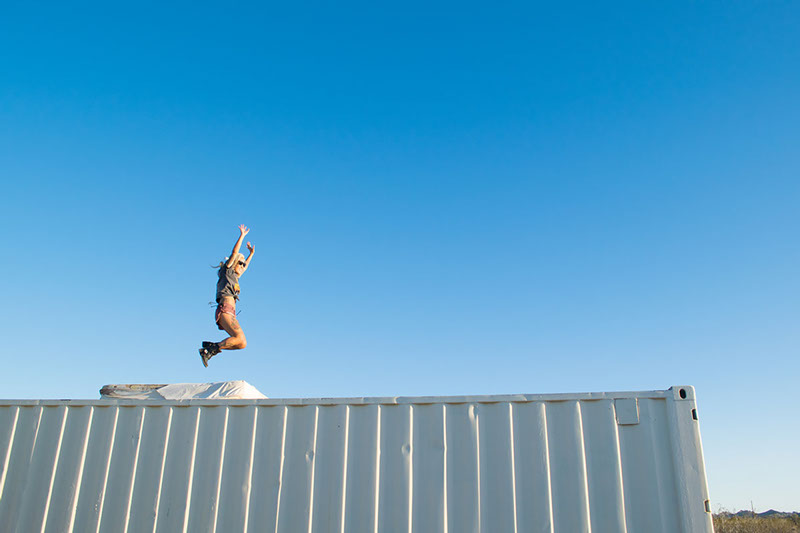
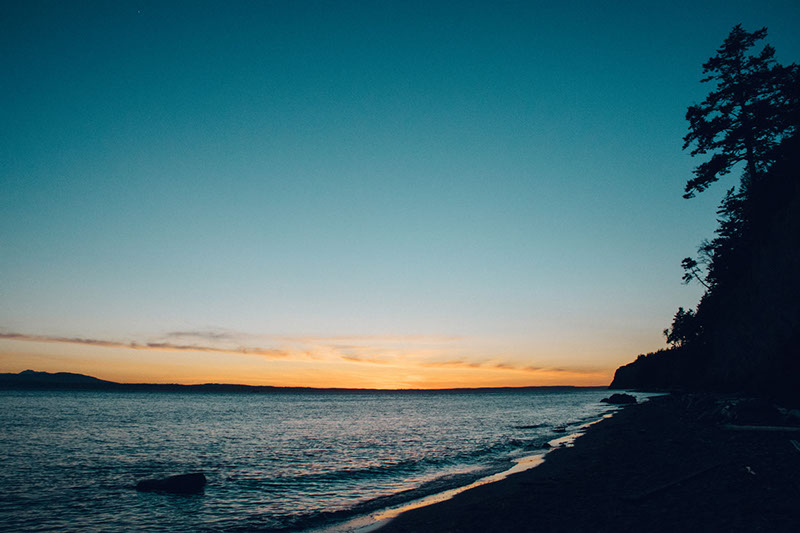
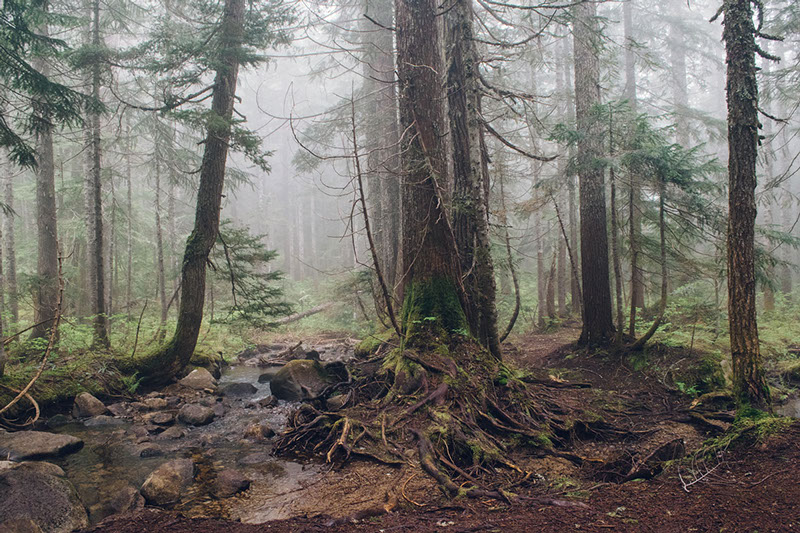
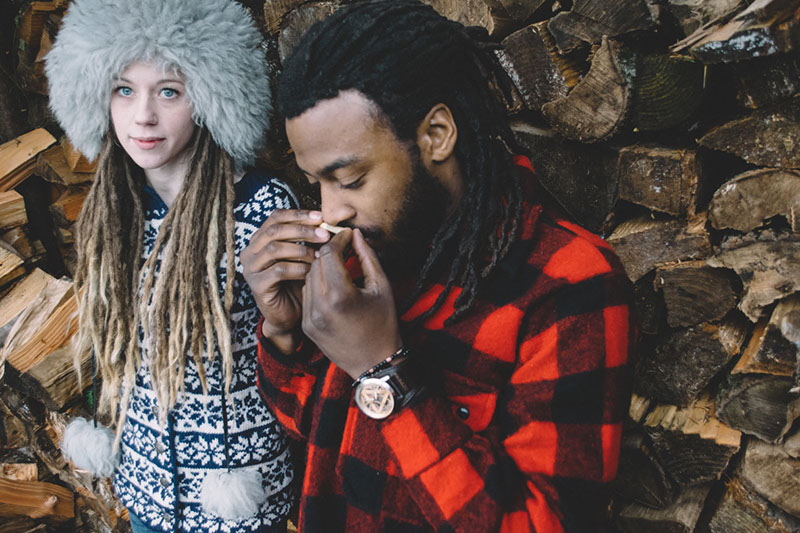
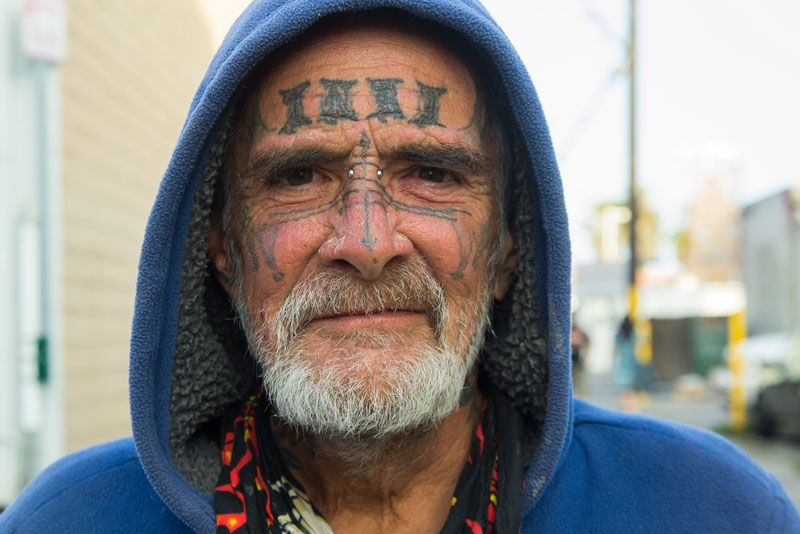
I am obsessed with High Dynamic Range (HDR) photography. HDR combines multiple exposures to reveal highlight and shadow details in one image. It’s great when you are photographing a high contrast scene. I love how HDR photographs have a surreal, almost dream like effect. To achieve a true HDR effect you need a program like Photomatix. I haven’t studied Photomatix, but I certainly hope to in the future. For now, this speedy HRD-like effect will have to do.
To create this effect select a high contrast image. Under image, select adjustments, then select shadow highlights. Click “show options” to drop down more options. Increase your shadows and highlights to 100. Midtones and tonal width can be adjusted according to your image. To save these settings as a preset, click save. That’s all there is to it. Talk about easy! In only a few minutes you’ve created a similar HDR-like effect for your image.
Between this effect and my Nitty Gritty Portraits effect, I have a million options for editing my photos. I’ve already started going through old photos and making improvements. For great examples of HDR photography click here or here. I hope to write Photomatix blogs and post my own HDR photography in the near future!
What do you guys think? Do you like HDR or is it too much? People either love it or hate it.

♥ BB