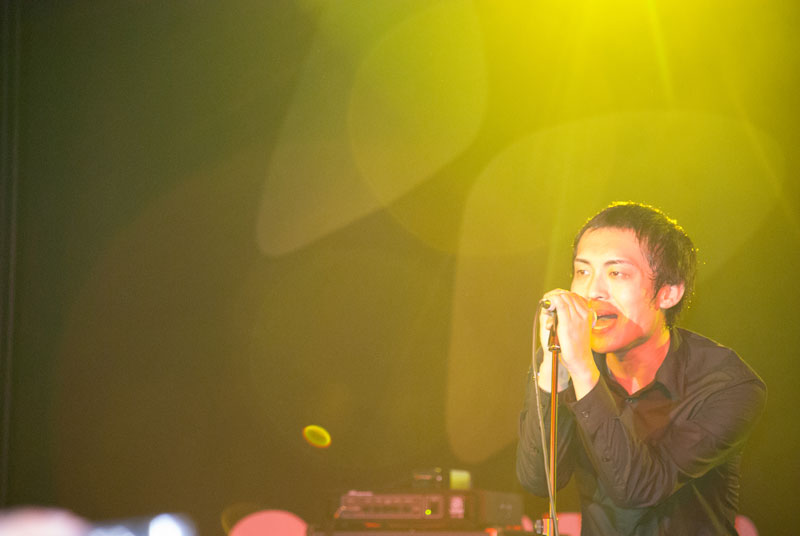
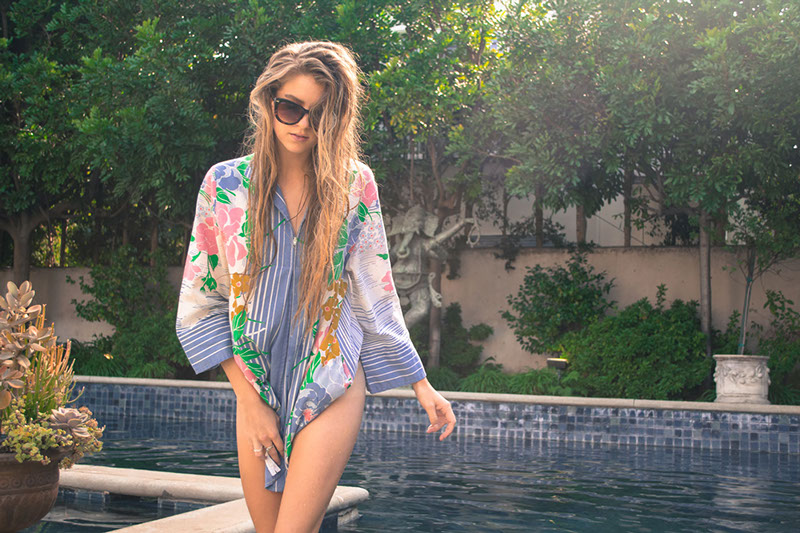
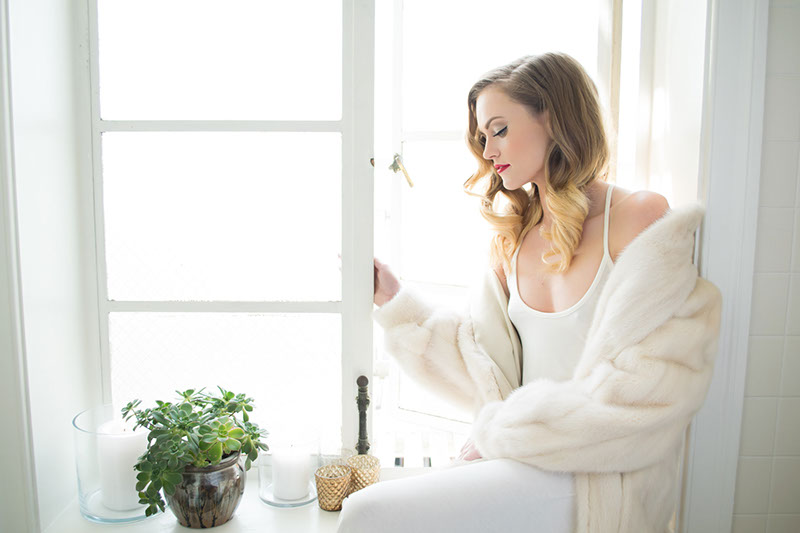
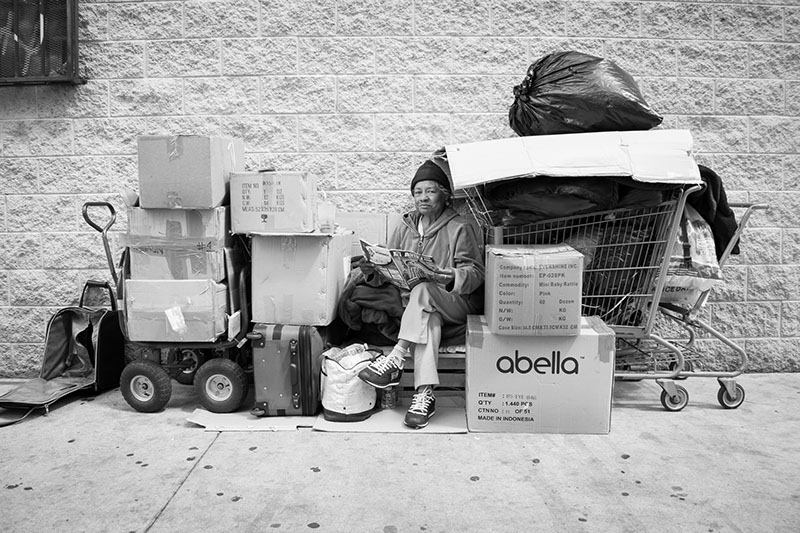
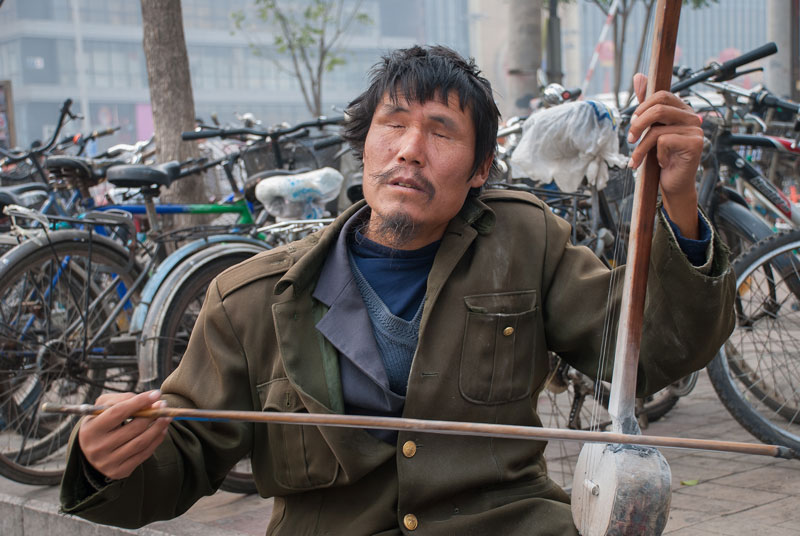
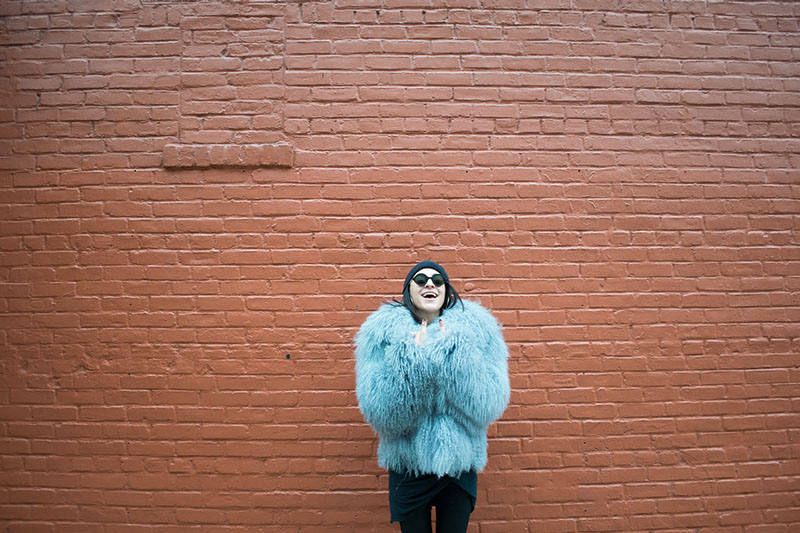
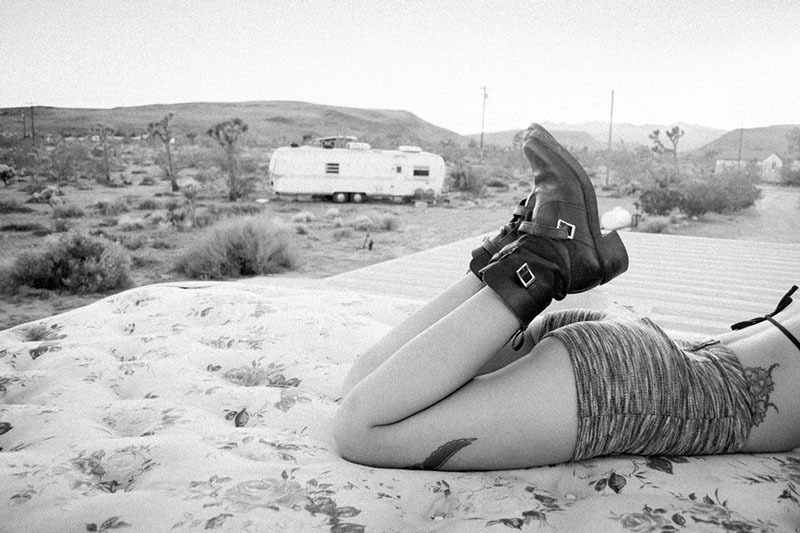
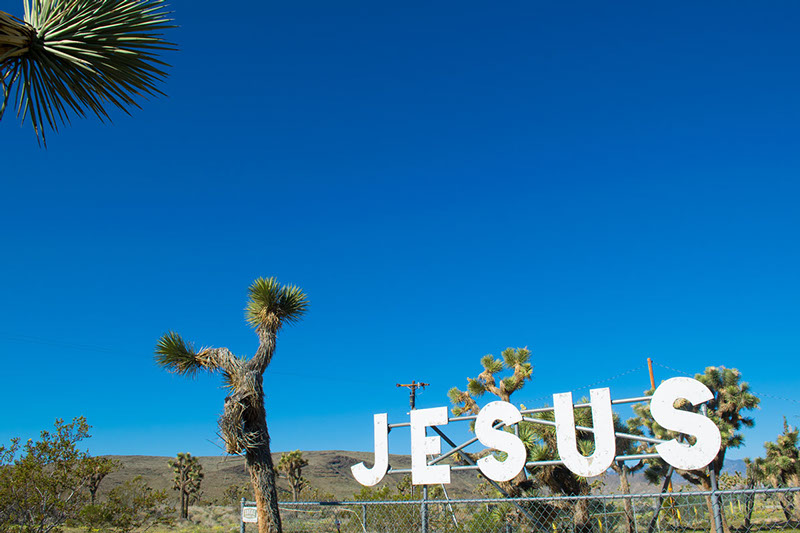
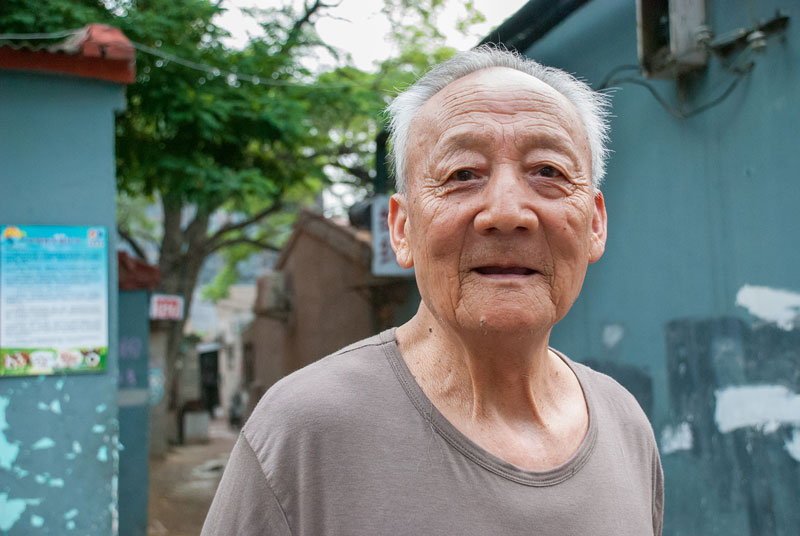
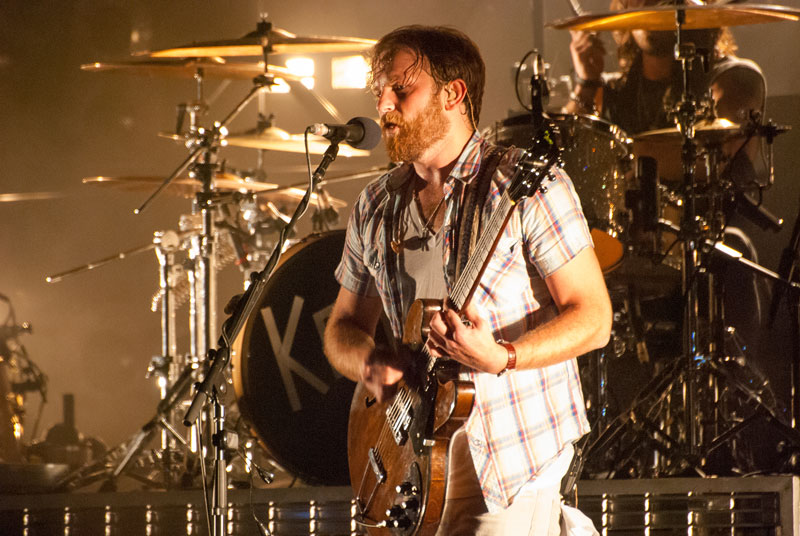
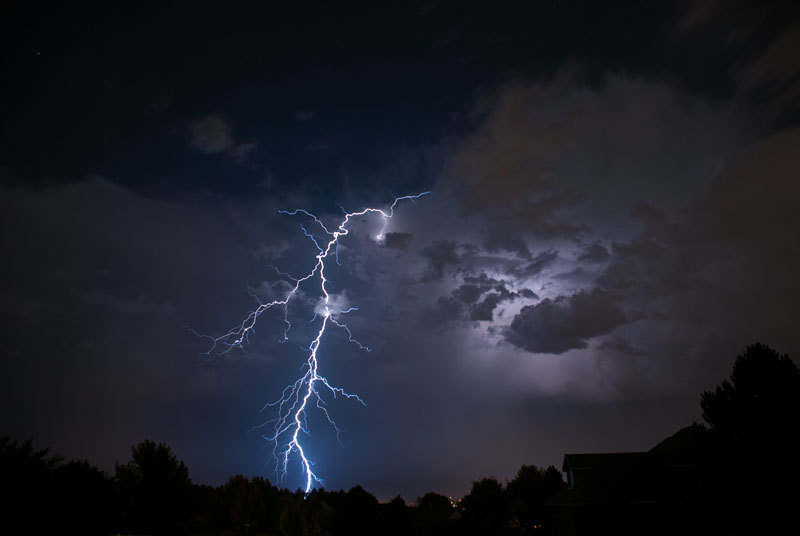
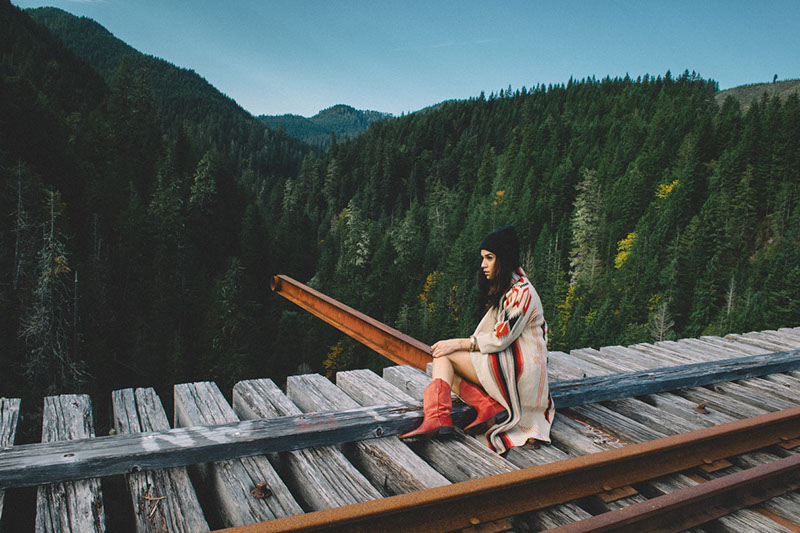
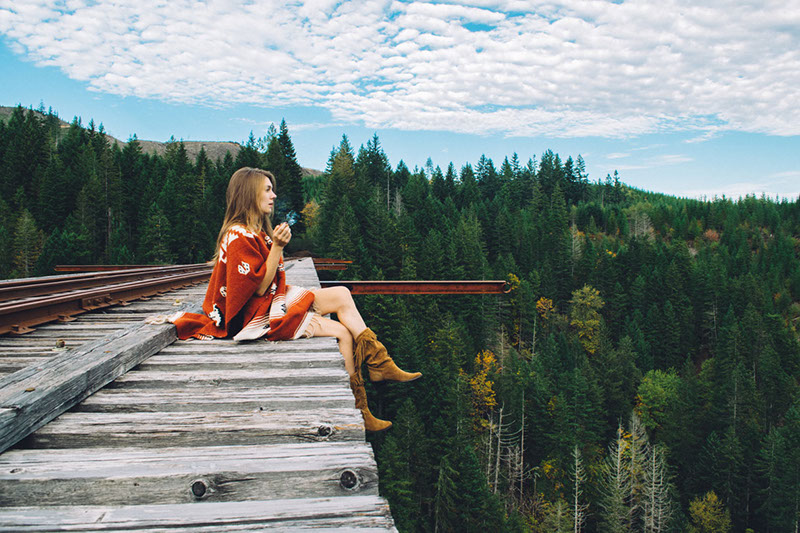
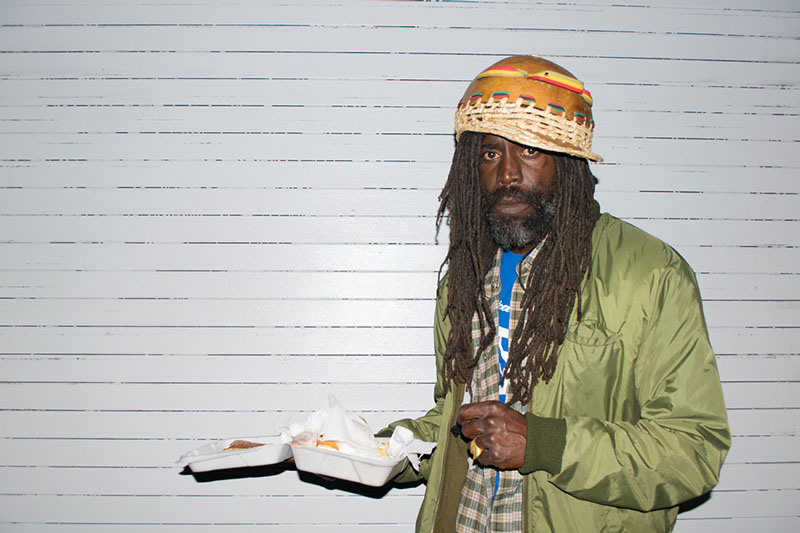
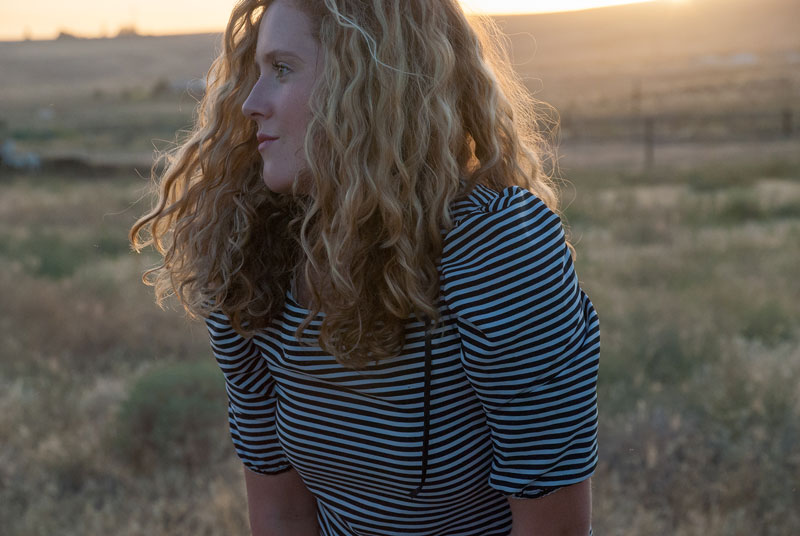
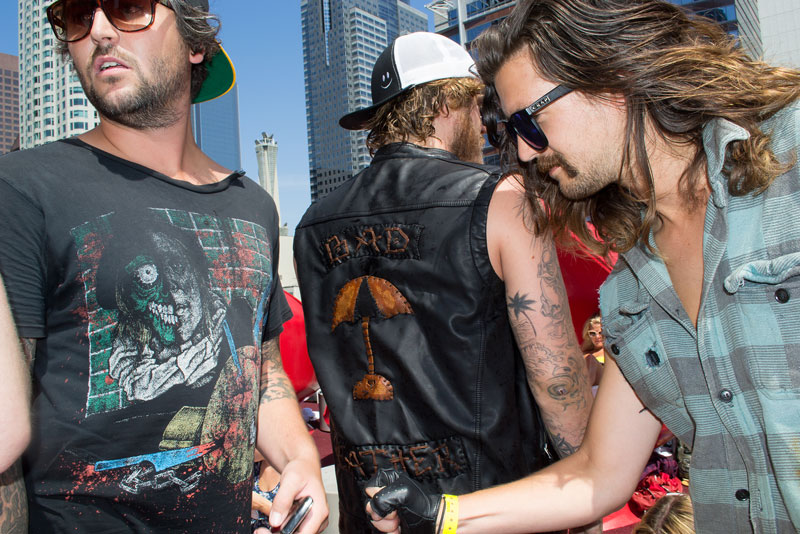
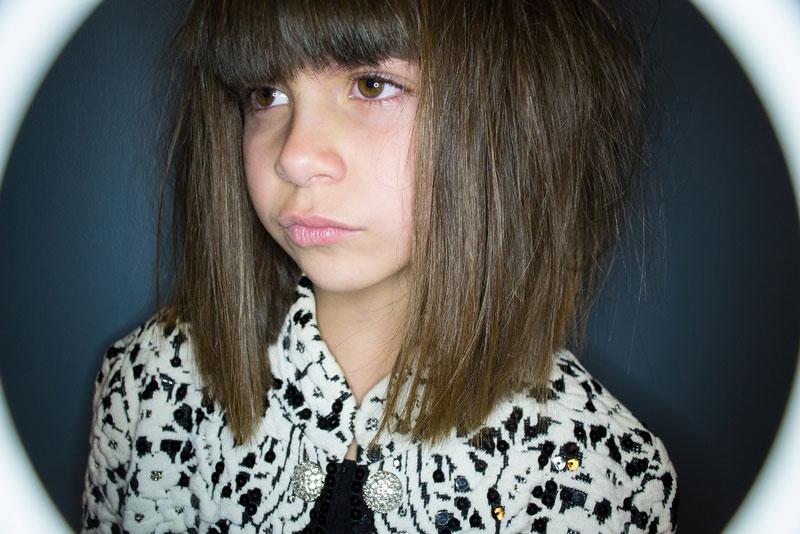
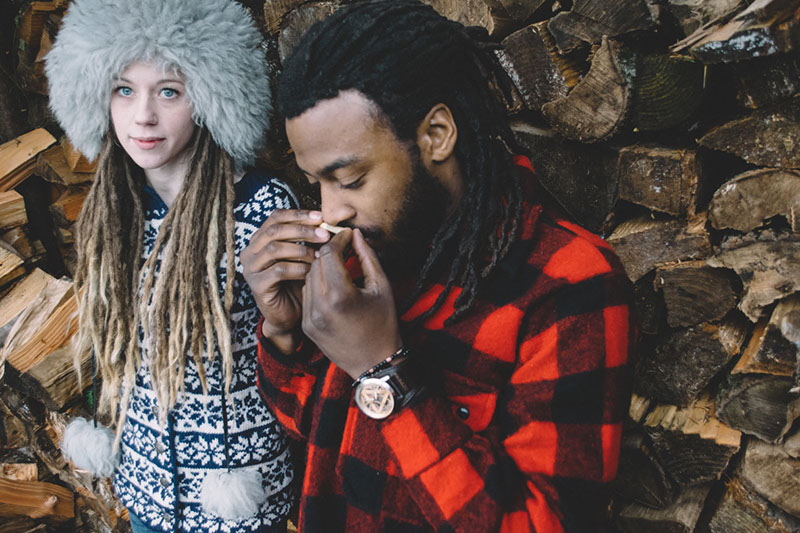
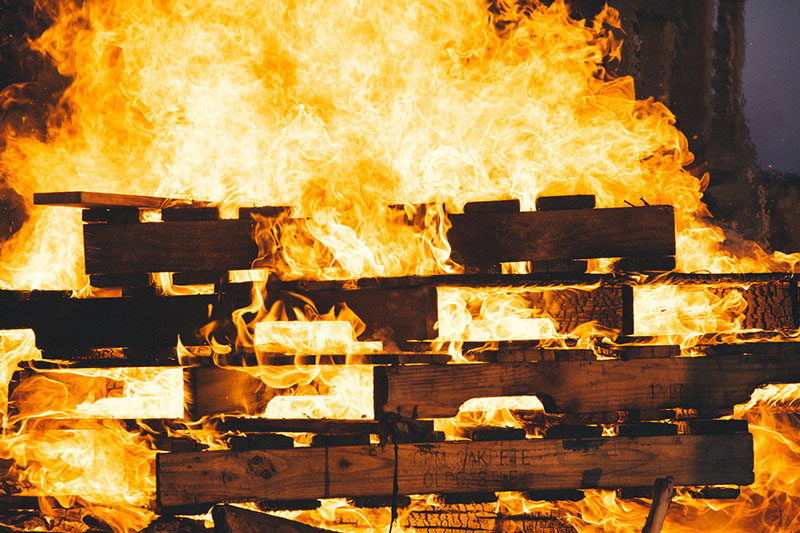
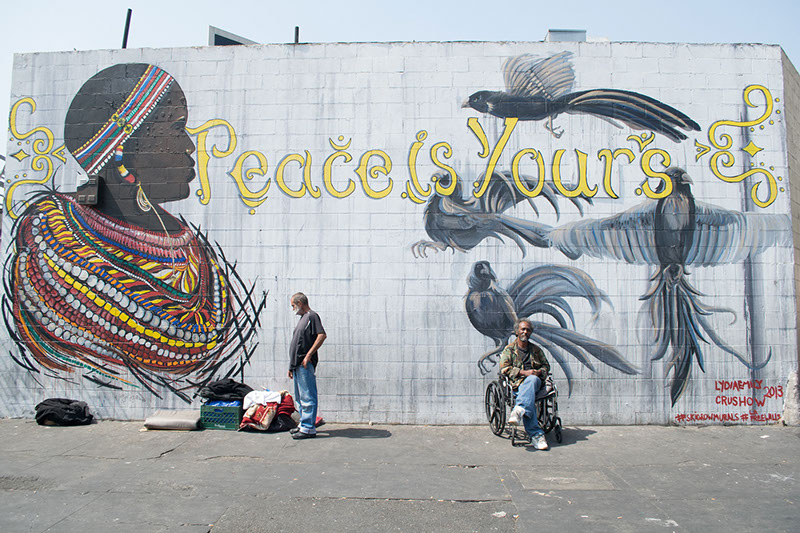
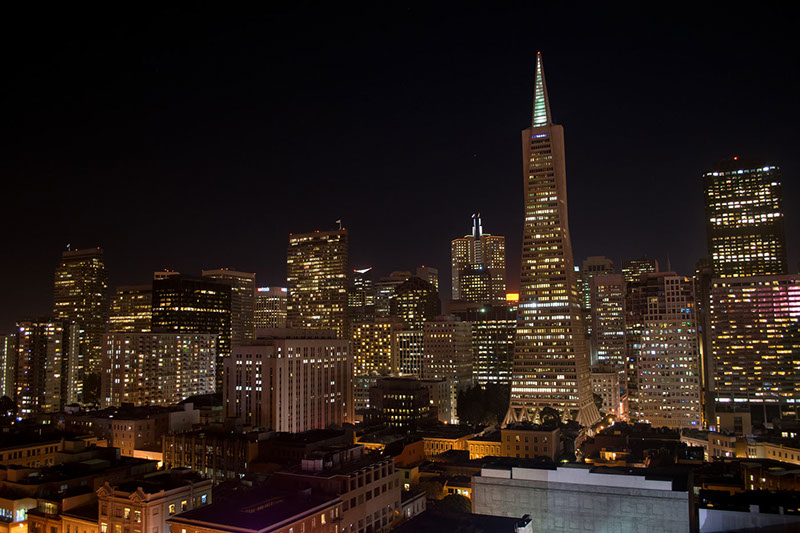
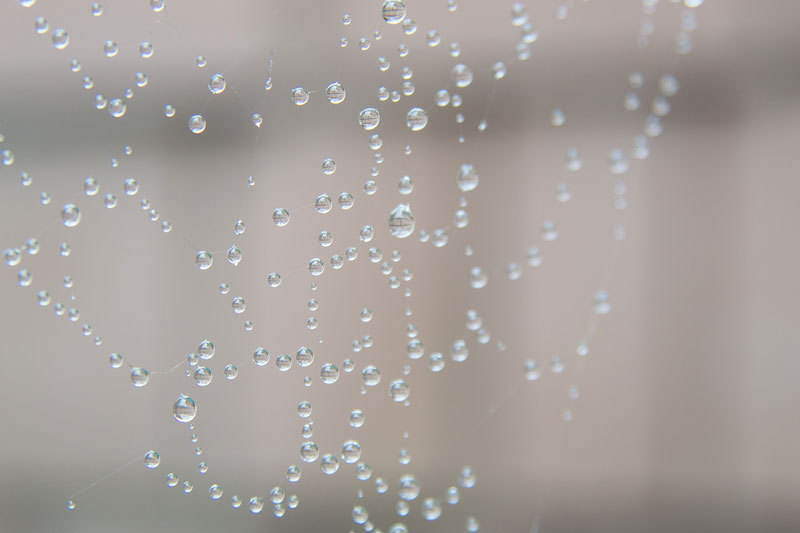
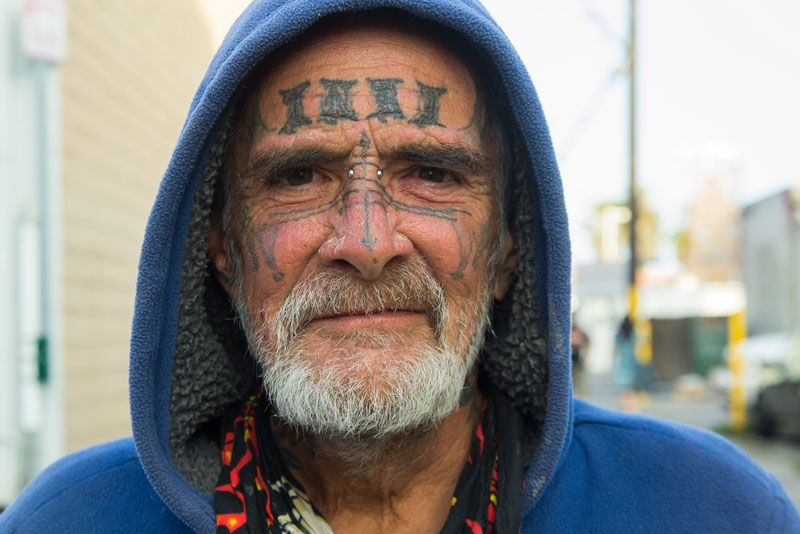
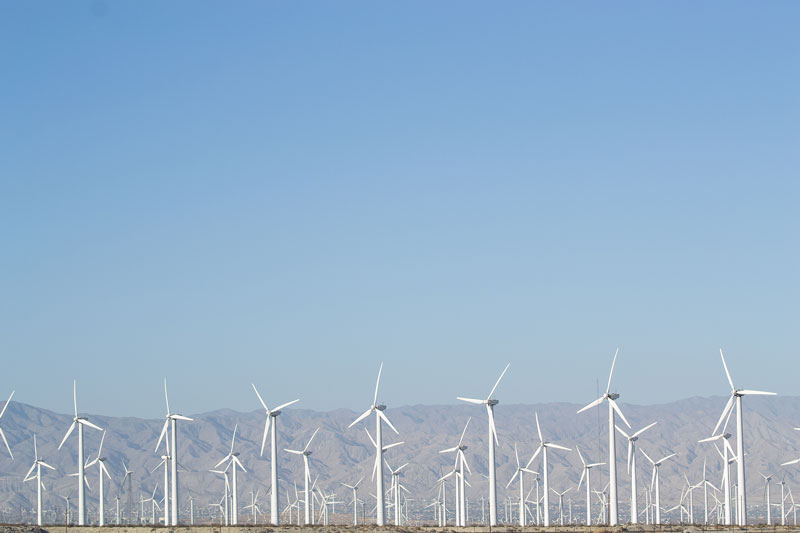
This photo tutorial covered nitty, gritty Photoshop effects. Some of these tricks give your image a Dave Hill type of effect. They provide a dirty, worn, almost HDR look to the image.
Open your file in the RAW format. Increase the recovery, fill, contrast, clarity and vibrance to 100. Decrease the saturation so the skin is barely saturated. Adjust the exposure and blacks according to the image. Open the RAW image as a smart object, and create a smart layer via copy. Double click the top layer to re-open the image in RAW. Select camera RAW defaults and open the image. This adds a layer copy but does not link your layers effects. To the top layer, add a layer mask. Use the brush, adjust the opacity and brush away the top layer to reveal the grimy bottom image.
Gritty portraits are fast and easy. I already saved these presets to quickly apply this effect on my images. There are many photo opportunities in China that this effect will be great for. This is one instance where it is alright to post dirty pictures!
♥ BB


These pictures are beautiful, I just loved them. Very nice Bess! xo
I really like the one of the blind guy. It gives the photo that extra edge that it needs to tell his story as a beggar.